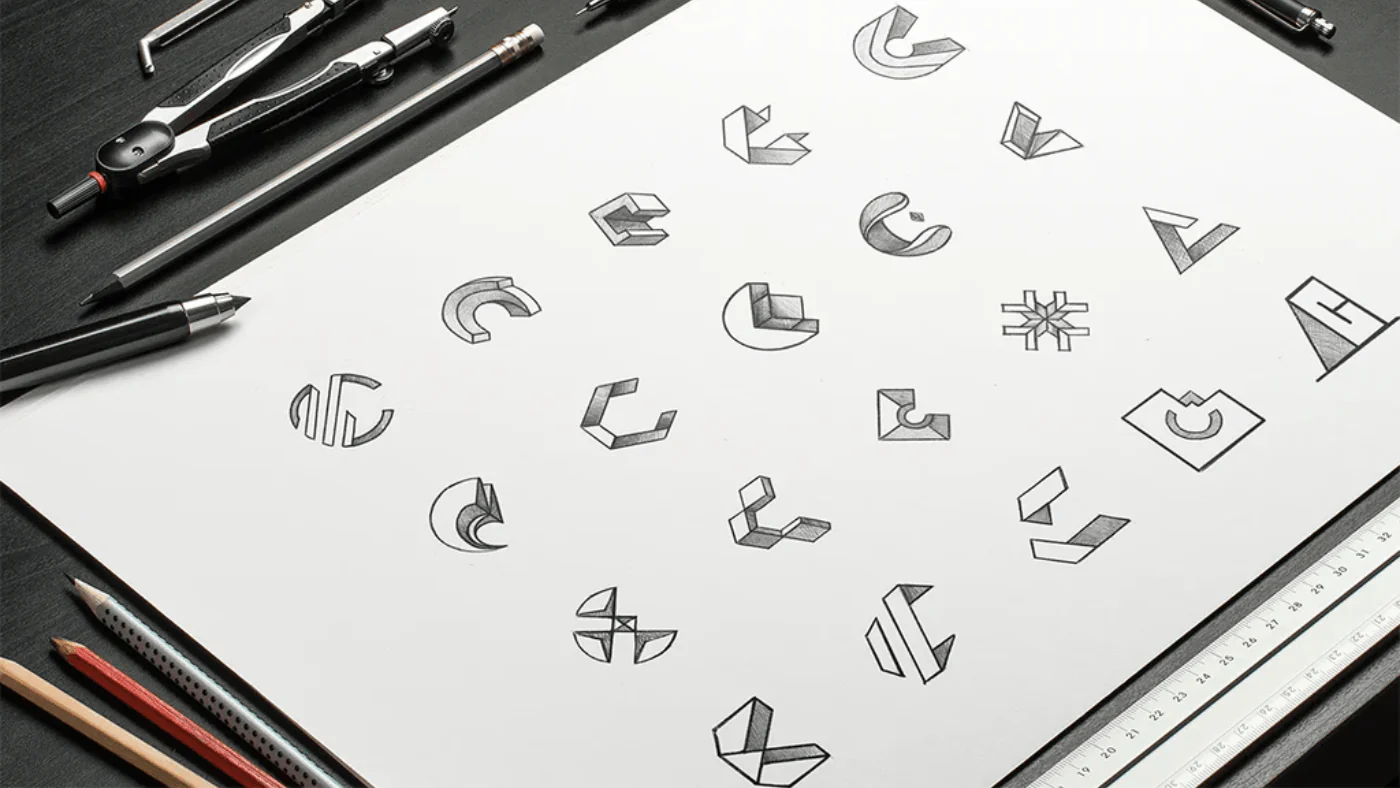
By NUO PIXEL Solutions — Head Designer Nitin Singh • Long-form guide inspired by conversations with top designers
Great design isn’t magic. It’s the result of intention, craft, and the relentless pursuit of meaning. This long-form exploration synthesizes the voices of designers — distilled from interviews and a resonant Apple session — and turns those ideas into practical guidance you can use today.
Why this matters: design that earns trust and time
Consumers don’t buy features; they invest in experiences. A product that feels “quality” earns trust, invites repeated use, and often becomes part of someone’s life. As designers we aim to craft those experiences — not by accident, but by care. That care shows up in the small, deliberate decisions: the microspacing of a panel, the rhythm of motion, the clarity of a call-to-action.
“A great design is going to be the product of a tremendous amount of effort… it should recede in people’s consciousness.” — distilled from interviews with designers (source session)
1. What “quality” actually feels like
The first thing designers say about quality is that you can feel it. You may not be able to label every choice, but the experience communicates care. Quality is often invisible on purpose — it lets users focus on their tasks, not the interface. When an app is designed well, the interface disappears and the moment becomes the protagonist.
Signals of quality
- Considered details: consistent spacing, deliberate micro-interactions, predictable behaviors.
- Effortless clarity: users can start the task without a manual or tutorial.
- Durability: design choices that age gracefully and avoid fads.
- Emotional resonance: small delights that make users say “that’s pleasant” instead of “that’s clever.”
As our Head Designer, Nitin Singh, often says: “Quality is the handshake between craft and empathy.” In other words, quality isn’t only polish — it’s the product of design shaped by a deep understanding of real people.
2. Four design aspirations that guide great work
From the interviews and the Apple session, four aspirations surfaced repeatedly. These act as a north star when teams commit to quality:
Simplicity
Simplicity is not minimalism for its own sake — it’s clarity of purpose. Simple products do one or a few things beautifully. They reduce cognitive load and let users complete their primary tasks without friction. Simplicity is especially powerful when users are in the real world — tired, distracted, or multitasking.
Stunning (polish)
Polish is the visual and interactive precision that makes an experience feel “worth it.” When motion is aligned to input, typography reads effortlessly, and visuals feel coherent, the product becomes immersive. For games and entertainment experiences, stunning visuals are part of the emotional promise — but polish matters for productivity apps too: it communicates trust.
Timelessness
Trends are tempting. Timelessness is about creating systems that remain useful and attractive years from now. Instead of chasing the latest fad, prioritize durable decisions: typography that reads for long sessions, contrast that works in all environments, and interaction patterns that survive the next platform update.
Positive impact
Great design improves lives. That might mean helping someone complete a task more quickly, connecting people, or creating a small joyful moment. When a product positively affects everyday life — even in small ways — its value compounds.
3. The craft of care: what designers actually do
“Care” was the most repeated word among the designers. Care shows up as sweat, as late nights, as iteration. But more importantly, it shows up as a mindset: you design for other people, not yourself. That requires humility, patience, and hard work.
Techniques of craft
- Deliberate prototyping: sketch fast, build rough prototypes, test in context with real people.
- Micro-exaggeration: when words fail to describe shape or motion, exaggerate features to communicate ideas faster. (Type designers use this all the time.)
- Active discovery: teach users by giving them room to discover and reward curiosity rather than forcing all information upfront.
- Feedback loops: create small experiments and iterate — more people don’t necessarily fix creative problems; the right people and the right tests do.
“If it’s quality, it’s better by the virtue of someone caring about it.” — interview insight
4. Practical patterns: how to design for simplicity
Simplicity is difficult because it requires ruthless prioritization. Here are pragmatic patterns to achieve it:
Map user intent, not features
Create a compact task map: what is the one thing the user needs to accomplish? Remove everything that doesn’t directly support that flow.
Progressive disclosure
Show less, let users reveal more. People learn better through doing — let them discover features gradually with contextual hints and reward moments.
Familiarity & standards
Use established patterns where they improve learnability. Familiar gestures and predictable placements reduce time-to-task.
Edge-case empathy
Design for the person who might be tired, on the bus, using one hand. Consider accessibility, localization, and lower-bandwidth contexts.
/* Example checklist for a simple flow */
- Single primary action per screen
- Clear, human-focused microcopy
- Immediate feedback on success/failure
- One clear next step (reduce trails)
5. Polishing motion, typography & micro-interactions
Polish is where craft becomes perceptible. Three areas have an outsized effect:
Motion that explains
Motion should be informative — transitions should show relationships (where things come from, where they go), not distract. Align timing to perceived weight: light elements move quickly; heavy ones move slower.
Typography that guides
Typography is the soul of readability. Good type systems create hierarchy, set rhythm, and preserve clarity across contexts. Consider contrast, line length, and responsive scaling.
Delightful micro-interactions
Micro-interactions are polish’s secret sauce: subtle haptics, a well-timed easing curve, a tiny animation when a task completes. They communicate quality without shouting.
6. Timeless strategies — designing for longevity
Designing timeless things isn’t about ignoring the present; it’s about choosing structures that adapt. Consider the following:
- Design systems over one-off art: systems scale and evolve gracefully.
- Avoid over-stylized trends: trends date quickly; build flexible visual systems that can be rethemed without changing UX fundamentals.
- Quality over novelty: investment in core interactions pays off longer than a flashy new animation that breaks cross-platform behavior.
At NUO PIXEL, when Nitin leads a brand or product project, the team prototypes not only the first release but a roadmap of how the visual language will adapt in years two and three. That planning makes later redesigns surgical, not catastrophic.
7. Positive impact: design that improves lives
Ask: what meaningful outcome does this design create? Does it save time, reduce stress, or create delight? Impact is not measured only in downloads or clicks — it’s measured in how often people return, how they talk about the product, and whether it makes some part of life smoother.
Measuring impact
- Behavioral KPIs: task success rate, time-to-complete, errors
- Retention signals: returning users, frequency of use
- Emotional feedback: NPS, qualitative interviews, sentiment
Design that aims for positive impact sets a higher bar: you’re not merely shipping a feature; you’re changing routine and expectation.
8. Collaboration practices that raise quality
High-quality design is rarely solo work. These collaboration habits make teams get to better solutions faster:
Start with shared language
Talk about goals before tools. Agree on what “success” looks like for users and business. Use sketching and caricature drawings to make subjective shapes objective for discussion.
Validate with real people
Prototype, put the idea in front of users, observe. Don’t assume; test. Use low-fidelity tests to validate assumptions quickly.
Feedback, curated
Collect feedback, then sort and prioritize. Being defensive kills speed. Trust your peers and collect evidence.
“Know that you don’t know.” — a guiding design mindset
9. Practical checklist to design for quality (start today)
Use this checklist as you iterate. Put it on a wall, or your backlog. Let it guide decision-making.
- Have we defined the one primary task per screen?
- Did we prototype and test with at least 3 real users?
- Are visual rhythms consistent across pages (spacing, typography, color)?
- Do micro-interactions explain system status and not distract?
- Have we considered low-power and low-bandwidth contexts?
- Does the design scale to future features without breaking the system?
- Have we documented decisions for future maintainers?
/* Quick design rule sample */
- Primary CTA visible within 2 visual steps
- Typographic scale: 16px base, 20/24/32 for H2/H1 headings
- Spacing baseline: 8px modular grid
- Motion: 120–240ms for micro-transitions
10. How NUO PIXEL practices these principles — examples & case notes
At NUO PIXEL we marry the craft of design with engineering pragmatism. Here are illustrative ways we apply these principles:
Color systems & accessibility
We build palettes that work in high contrast, across devices, and that can be programmatically adjusted for theming — reducing future maintenance and ensuring accessibility.
Design tools as privacy-first utilities
Our front-end-only tools (Color Name Finder, WebP Converter, SVG tools) were built with privacy in mind — everything runs in the browser so users’ assets never leave their machines. This is deliberate: quality includes respect for user data.
Design + Dev co-creation
Nitin leads cross-discipline workshops where designers and engineers sketch system behavior together — this reduces hand-off friction and surfaces trade-offs early.
Explore NUO PIXEL’s design thinking and case studies —
View the Nuo Pixel Portfolio →
11. Techniques you can apply now (practical exercises)
These are easy to try during your next sprint.
Exercise 1 — Caricature the problem
Exaggerate what feels off in the UI. Make a caricature sketch and ask the team to tone it down. This helps align perception when words fail.
Exercise 2 — Five-minute hallway testing
Prototype a single screen and ask five people to complete the task. Note pain points and prioritize fixes that remove cognitive load.
Exercise 3 — Micro-polish pass
Take any screen and spend 30 minutes improving motion easing, microcopy, or spacing. Small changes compound into perceived quality.
12. Quotes from design leaders (short & powerful)
“Good design is as little design as possible.” — Dieter Rams
“Design is not just what it looks like and feels like. Design is how it works.” — Steve Jobs (paraphrase of a widely-known principle)
Want NUO PIXEL to design something great for you?
Head Designer Nitin Singh and our team build products that combine craft, empathy, and technical excellence.
Want a Custom Designs for Your Brand?
Let NUO PIXEL craft design that defines your brand’s identity — creative, memorable, and made to stand out.
Contact NUO PIXEL Today