A website can feel slow in several different ways. Its main content may appear late, a button may respond reluctantly, or the layout may jump just as a visitor tries to click. Treating all three as a single “speed problem” makes it harder to choose an effective fix.
Core Web Vitals separate these experiences into loading, interaction responsiveness, and visual stability. Use them to organize an investigation, while keeping the visitor’s actual task at the center of your review.
Understand the three signals
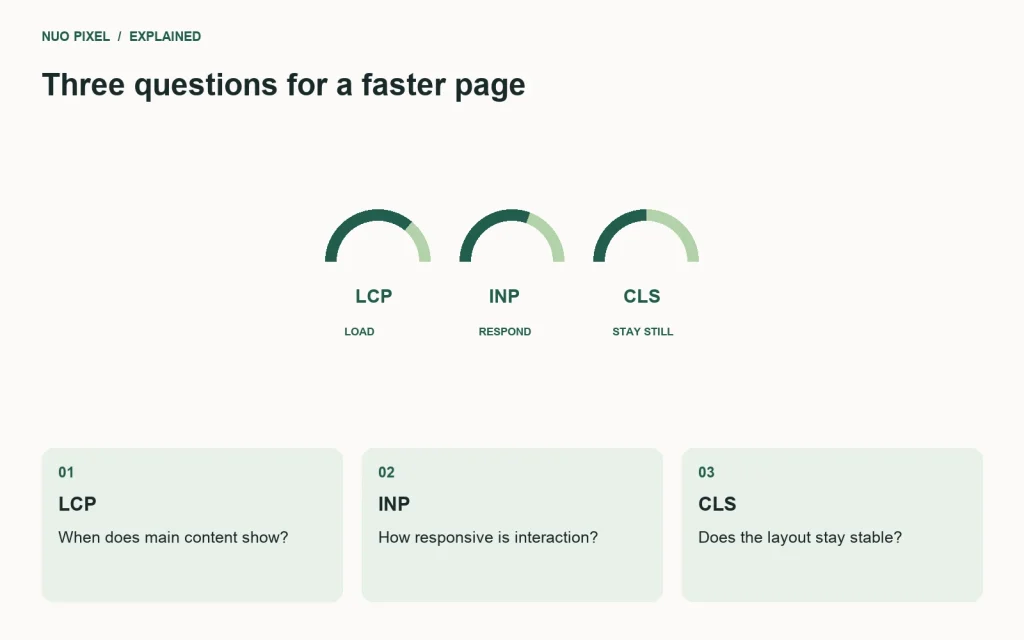
Largest Contentful Paint concerns when the main visible content renders. Interaction to Next Paint reflects responsiveness to interactions. Cumulative Layout Shift measures unexpected layout movement. The commonly used “good” thresholds are LCP at or below 2.5 seconds, INP at or below 200 milliseconds, and CLS at or below 0.1, evaluated at the 75th percentile. web.dev explains the thresholds and their rationale.
Those thresholds do not mean a site becomes perfect at a particular score. An inaccessible form or an unclear service page can still frustrate visitors even when the performance metrics look healthy.
Investigate one template at a time
Choose the homepage, an article, a listing, and a key conversion page. Test each on a mobile-sized viewport and a constrained connection. Record the largest visible element, important requests, and any movement while assets arrive.
For an article, a large featured image might delay the main content. Check whether its dimensions and compression suit its display size, whether the browser discovers it early, and whether it is accidentally lazy-loaded. For a tool page, expensive JavaScript work may instead delay interaction feedback.
Fix causes you can explain
Reserve image space with dimensions or an aspect ratio. Avoid inserting banners above content after the visitor has started reading. Audit third-party scripts by their purpose and timing; a script should earn its place through a real feature requirement.
When an interaction is slow, inspect the work performed after the click. Splitting a large operation into smaller tasks or moving suitable computation to a worker may help, but measure the actual interaction before choosing a technique. A cosmetic loading spinner does not remove expensive work.
Compare lab tests with real visits
A repeatable lab test helps you diagnose and compare changes. Field data reflects the devices, networks, and behaviors of real visitors, so the results can differ. A local development page may have no public field dataset at all; do not present a local score as proof of production improvement.
Try this: choose one visible problem, write a hypothesis, make one change, and repeat the same test. Keep the before-and-after conditions with the result. This produces a useful engineering record without inventing a performance gain you have not measured.
Continue learning
Want a Custom Designs for Your Brand?
Let NUO PIXEL craft design that defines your brand’s identity — creative, memorable, and made to stand out.
Contact NUO PIXEL Today