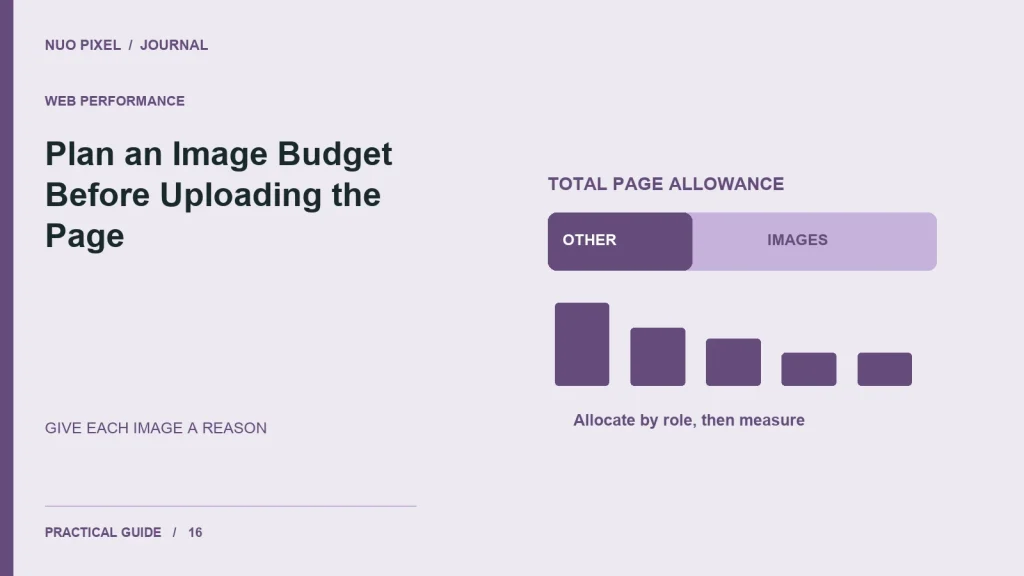
A page with eight individually reasonable images can still become unnecessarily heavy. The problem is cumulative. Each contributor reviews one file, nobody adds the files together, and the finished page carries far more data than the original design discussion anticipated.
The Nuo Pixel Solutions image budget calculator makes that accumulation visible. It divides a chosen transfer allowance between images after reserving space for other resources, and it shows a deliberately simplified transfer estimate at an assumed connection speed. It is a planning workbench, not a performance benchmark or an image encoder.
Use it before preparing a page and again after measuring the actual outputs. The most useful result is a conversation about which images need detail, which can be smaller, and which are not helping the page at all. A numerical allowance should support that judgment rather than replace it.
Understand the inputs before choosing numbers
The total page budget is an allowance you choose for the exercise. The calculator does not claim that one number is appropriate for every website. A short service page and an image-heavy tutorial may have different needs, and both still require careful delivery and a useful visitor experience.
The allowance for other resources reserves part of that total for things besides the images you are planning. Depending on your measurement scope, that can include HTML, CSS, JavaScript, fonts, icons, and other requests. Keep the definition consistent so you do not accidentally count a resource twice or leave an important category out.
The image count is the number of images sharing the remaining allowance in this simplified model. The result is an average, not a rule that every file must have the same size. A prominent photograph may need more bytes than a small decorative illustration, while an instructional diagram may justify detail that another image does not.
Keep the units clear
The workbench uses KiB for its byte-size inputs. One KiB is 1024 bytes. Connection speed is entered in megabits per second, which uses a different unit. The calculator converts bytes to bits when showing the idealized transfer estimate.
This distinction matters because file size and connection speed are often discussed using similar-looking abbreviations. A value in megabytes is not the same as a value in megabits. Write the units next to any number you record in a project note rather than relying on somebody to infer them later.
The transfer estimate divides the selected total bytes, converted to bits, by the assumed rate. It excludes latency, connection setup, protocol overhead, congestion, competing requests, browser processing, and rendering. Those exclusions are why the result must not be presented as the page’s expected loading time.
A real visitor can experience a page differently even when the total transfer is the same. Resource discovery, priority, caching, server response, and which content becomes visible first all matter. The workbench intentionally answers a narrower question so its arithmetic remains easy to inspect.
Work through the default example
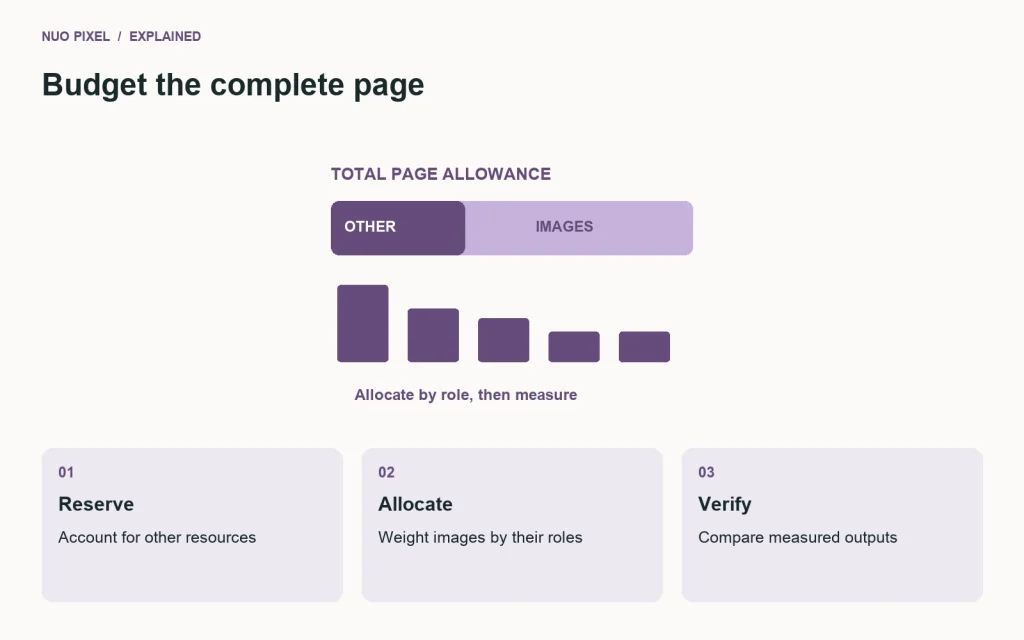
The default example uses a total allowance of twelve hundred KiB, reserves four hundred KiB for other resources, and shares the remainder across eight images. The image allowance is therefore eight hundred KiB, or one hundred KiB per image on average.
Those are sample planning values, not a Nuo Pixel Solutions performance standard. They illustrate how the allocation works. If the page’s actual non-image resources consume a different amount, change the input rather than treating the default as an established fact about your website.
At an assumed five megabits per second, the calculator reports the ideal transfer time for the complete selected budget. That figure is not a promise about a mobile visitor. It is a way to compare allowances under one simplified assumption while keeping the limits visible beside the output.
Now inspect the actual page plan. Perhaps the hero needs more than the average, several cards can use smaller variants, and a small icon does not belong in the same category at all. Use the average to reveal the tradeoff, then allocate deliberately rather than compressing every file until it happens to fit one target.
Build an inventory of image roles
List the images and their jobs: hero, article cover, card thumbnail, diagram, product detail, decorative texture, logo, or icon. Record the intended display dimensions and whether the whole image needs to remain visible. This prevents format and size decisions from being made without a layout context.
Identify repeated source images used at several sizes. The browser may need a smaller card candidate and a larger article candidate, not two unrelated originals. Keep the source relationship clear so later edits can generate the appropriate variants without accumulating inconsistent copies.
Question images that repeat information without helping the task. Removing an unnecessary decorative image can be a better decision than damaging several useful diagrams to make room for it. A budget is most valuable when it encourages prioritization, not merely stronger compression.
For a tutorial, label the diagrams that carry essential relationships. Their text needs to remain legible, and the nearby prose should explain the important information. A diagram that fits the byte target but cannot be read has failed its content role.
Use measured outputs, not guessed savings
Export a few representative files and record their actual sizes. The image comparison resource in this collection provides one example of that process using identical specimens and explicit encoder settings. Do not assume that changing an extension will produce a particular percentage reduction.
Compare acceptable visual outputs. A quality setting is not a universal measure of equivalent quality across formats. Inspect edges, text, gradients, and transparency where they matter. Keep a source copy so a rejected export can be regenerated without repeatedly degrading a compressed intermediate.
Add the actual files to your inventory and compare the total with the planned allowance. If you exceed it, identify the largest contributors and the information each one provides. Start with decisions that have a clear explanation, such as generating an appropriate display size, rather than making a blind global change.
If the actual outputs are smaller than the allowance, do not add weight merely to use the remaining space. The budget is a limit for the chosen plan, not a target that the page must fill. Retain the margin unless a meaningful quality or content need justifies it.
Plan responsive delivery separately
A source file’s size does not tell you which candidate a browser will download in every context. Responsive markup can offer several widths, and the declared display size helps the browser choose. Review the actual layout and output rather than assuming the smallest file in the Media Library is what visitors receive.
A card inside a three-column listing may need a different candidate from the same cover at the top of an article. Use the CMS’s attachment workflow and image APIs where appropriate. Hard-coding the largest original into every placement can undermine otherwise careful export work.
Reserve space for the image before it arrives so the layout remains stable. This is separate from the transfer allowance, but it affects whether the page feels dependable. A small image that moves a button under the visitor’s pointer can still create a poor experience.
Check the initial viewport and later content separately. Lazy loading can be appropriate for images further down a page, but a prominent image the visitor is waiting to see should not be delayed merely because the template applies one rule to every attachment.
Interpret an over-budget result constructively
If the non-image allowance already exceeds the total, the tool reports that condition instead of producing a negative image target. Review whether the total is realistic and whether the other resources are doing necessary work. Do not hide the problem by entering an artificially small reserve.
If the average image allowance seems impractical, reduce unnecessary image count, improve sizing, or reconsider the page structure. A gallery may need a staged presentation rather than loading every full-resolution image immediately. A long article may need purposeful figures rather than an illustration after every paragraph.
The correct response is not always a smaller number. If the page genuinely needs detailed visual information, a different total allowance may be reasonable. State the reason and verify the resulting experience under suitable conditions. A documented tradeoff is more useful than a nominal target met by unreadable assets.
Nuo Pixel Solutions can use this exercise during planning to connect design choices with delivery costs. It gives the team a concrete way to discuss why a hero image deserves detail or why a decorative background should be reconsidered, without pretending that arithmetic alone makes the design decision.
Check the calculator’s boundaries
The workbench requires positive values for the total allowance and connection speed, a non-negative reserve, and a whole image count of at least one. These checks keep the displayed calculation meaningful. They do not establish that the chosen values describe a real production page.
The tool does not read your image files, inspect a URL, or upload data. It uses the numbers entered on the page and updates the local result. It does not save the inputs. If you need a project record, copy the assumptions and measured inventory into your own worksheet.
A budget can become outdated when the page changes. New content, a plugin, a font, or an additional third-party service can alter the resource picture. Revisit the assumptions when those changes matter rather than treating an old planning result as a permanent property of the website.
Use the result as one part of a broader review. Check functional behavior, accessibility, and the clarity of the content as well as transfer. A page that is small but confusing has not achieved the business or visitor goal that justified building it.
Turn the budget into an editorial habit
Give contributors a short image-preparation note: retain the source, choose the role, prepare appropriate dimensions, review an acceptable export, and record the actual file. Keep the note connected to the website’s real card and article layouts so it is usable without a separate design discussion every time.
Review exceptions openly. A detailed example may need more space than an ordinary cover, and that can be appropriate. Record the reason so another editor does not later compress it aggressively merely because it exceeds an unexplained average.
After publication, inspect what the browser actually requests at relevant widths. Compare those resources with the inventory and confirm that the chosen variants are being used. This closes the loop between the plan and the delivered page instead of leaving the calculator result as an isolated screenshot.
The useful outcome is a more deliberate page. You know which images matter, what they cost under the chosen measurement, and why the available allowance is distributed the way it is. That understanding helps the website stay efficient without treating visual quality and useful explanation as expendable details.
Allocate one sample page deliberately
Consider an illustrative page with eight hundred KiB available for eight images after the other-resource reserve. The average is one hundred KiB, but the layout does not require equal allocation. You might reserve two hundred KiB for a detailed hero, one hundred and fifty KiB for each of two diagrams, and sixty KiB for each of five smaller supporting images. Those allocations total the same allowance while acknowledging different content roles.
This is a planning example, not a claim that those settings will suit your artwork. Export the actual images and inspect whether the details survive. If a diagram needs more space to keep its labels readable, reconsider a less useful decorative image or the overall allowance instead of quietly accepting unreadable instructions.
After assembling the page, compare the inventory with the files actually requested by the browser. A card variant accidentally replaced with a full-size source can invalidate the plan even though every original export was prepared carefully. Keep that discrepancy visible and correct the delivery rule where appropriate.
Finally, write down the reason for the largest files. A future editor should be able to distinguish an intentional detailed example from an oversized asset that slipped through. That small record keeps the budget connected to editorial judgment and makes later changes easier to review without repeating the entire discussion.
Resources for this guide
Need help applying this to a website? Discuss the project with Nuo Pixel Solutions.