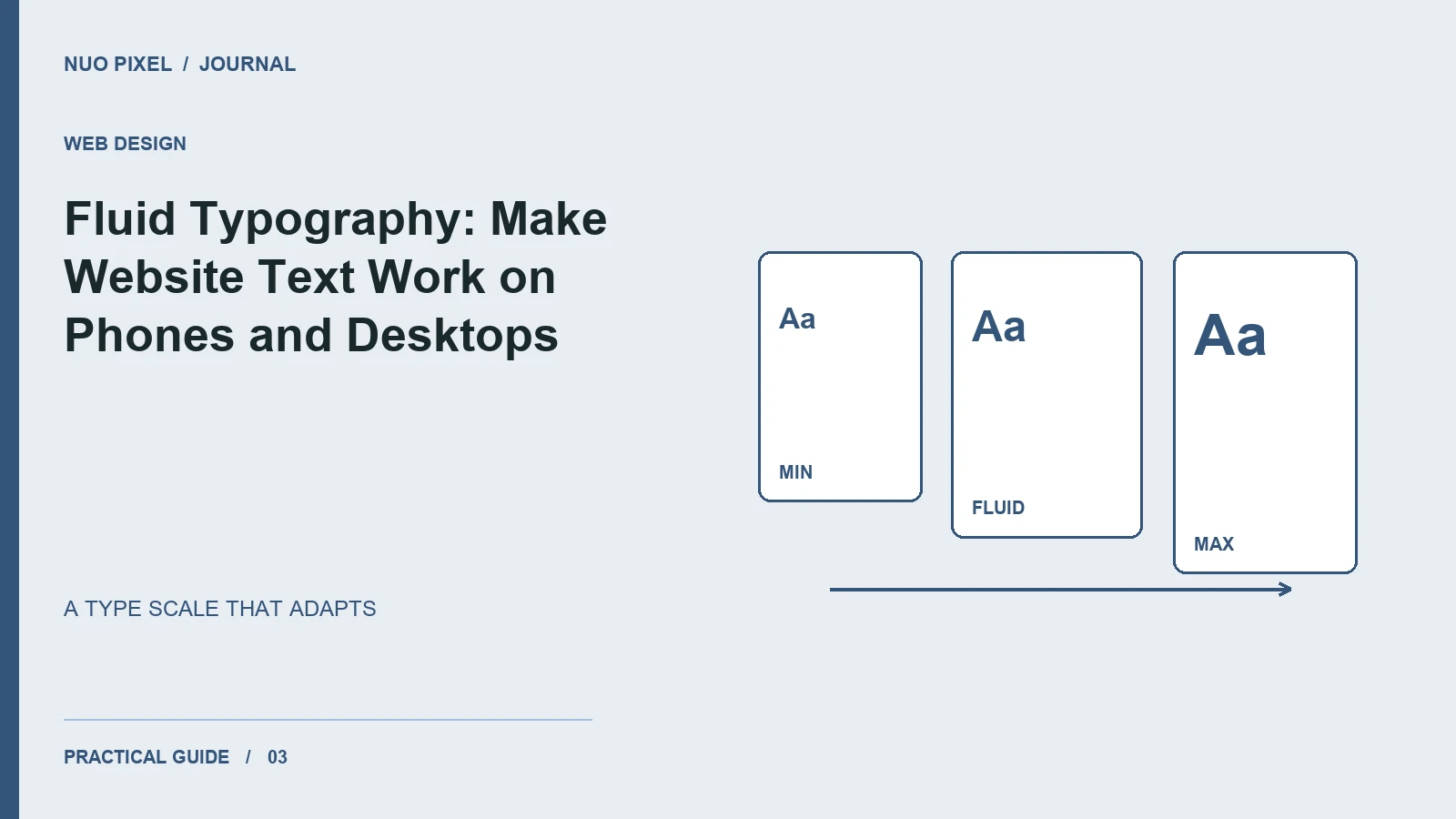
A headline designed for a wide monitor can occupy an entire phone screen. Shrinking every font for mobile creates a different problem: body text becomes uncomfortable to read. Fluid typography helps headings respond to available space while keeping sensible limits.
The goal is a stable reading experience. A visitor should understand the title, scan the sections, and read a paragraph without wrestling with tiny text or extremely long lines.
Set a readable foundation
Begin with body text before choosing a dramatic display size. Use relative units, a comfortable line height, and a content width that encourages manageable lines. Then test a real article with lists, links, emphasized phrases, and long technical terms. Placeholder sentences hide many layout problems.
Here is a compact starting point for an article layout:
.article {
  max-width: 68ch;
  margin-inline: auto;
  padding-inline: 1rem;
  font-size: 1rem;
  line-height: 1.75;
}
.article h1 {
  font-size: clamp(2rem, 1.2rem + 3vw, 3.5rem);
  line-height: 1.12;
  overflow-wrap: anywhere;
}
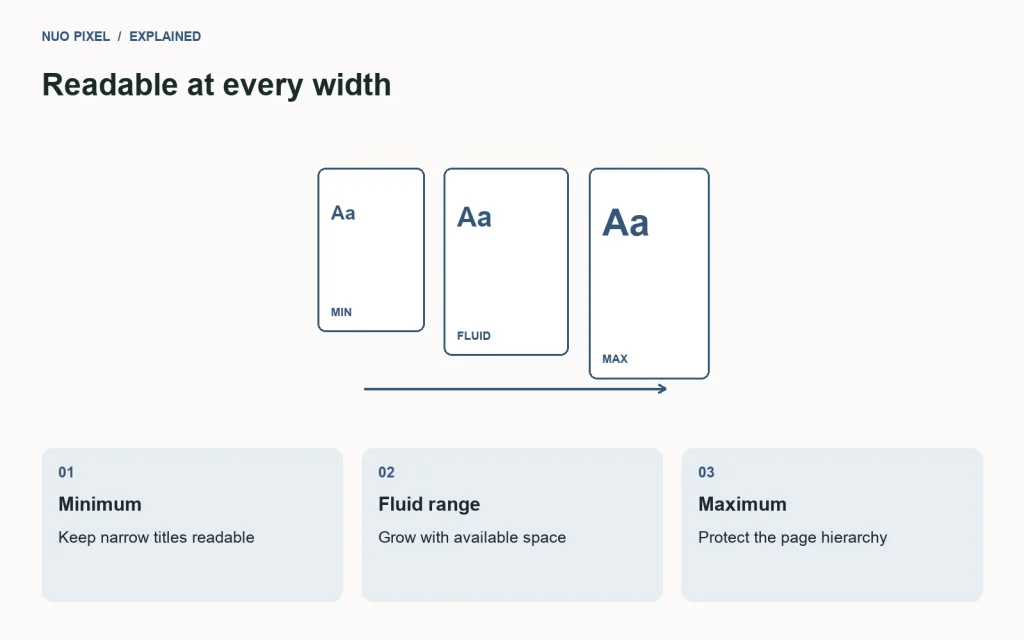
The clamp() function sets a minimum, preferred value, and maximum. MDN explains the calculation and syntax. The numbers above are an example to test, not a universal type scale.
Let content reveal the breakpoints
Preview a short title, a long title, and a title containing an unbroken product name. Move gradually between narrow and wide viewports. Look for awkward one-word lines, overlapping controls, and headings that dominate the first screen.
Do not insert manual line breaks merely to fix one screenshot. A break that looks elegant on your laptop can create a strange sentence on a smaller phone. Adjust the container width, font size, or wording instead.
Preserve hierarchy without shouting
Give each heading level a distinct role. A section heading needs to be easy to find, but making every subheading enormous produces visual noise. Use spacing and weight alongside size: more space before a section can explain its relationship to the preceding paragraph.
Limit the number of font families and weights you ship. If a custom font fails to load, check that the fallback still fits buttons and navigation. Test your actual font with punctuation, numerals, and any languages your site supports.
Review beyond the ideal viewport
Increase browser zoom to 200%, enlarge the default font size, and inspect the article on a narrow screen. Body text, captions, and code examples should remain usable. Keep code blocks horizontally scrollable rather than shrinking their characters until they fit.
Try this: create a type specimen using your longest article title, one paragraph, a list, and a caption. Use it as a repeatable visual check whenever you change your fonts or content width.
Continue learning
Want a Custom Designs for Your Brand?
Let NUO PIXEL craft design that defines your brand’s identity — creative, memorable, and made to stand out.
Contact NUO PIXEL Today