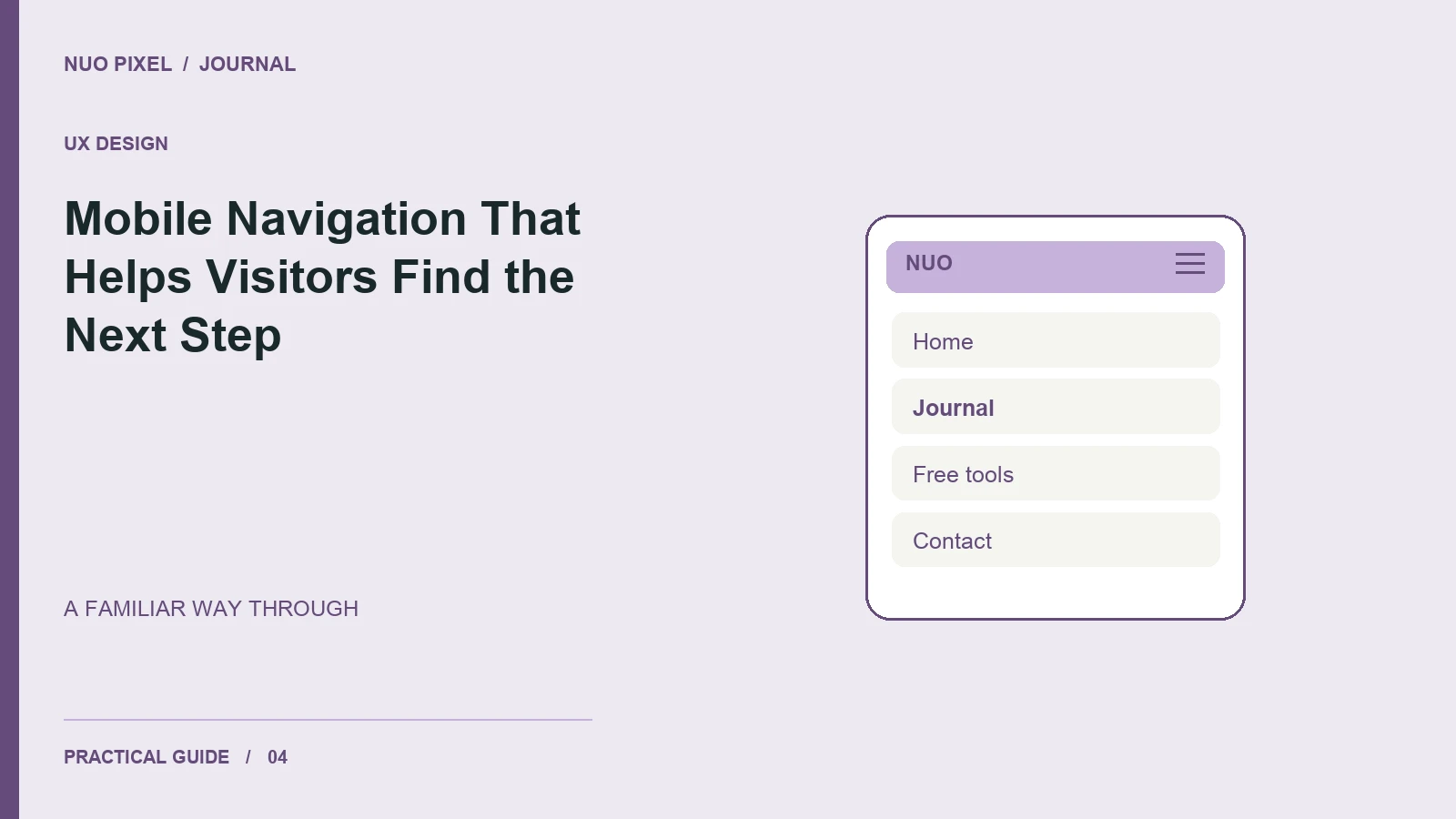
A mobile menu is successful when visitors can predict where a link leads and operate the controls comfortably. Animation and styling matter less than clear labels, a consistent order, and a menu that behaves reliably with touch and keyboard input.
Start by deciding which destinations deserve a place in the primary navigation. For a small studio, a short set such as Home, Services, Work, Blog, and Contact is usually easier to evaluate than a menu containing every page on the site.
Keep the same landmarks on every page
Use the same logo destination, labels, and order across your homepage, articles, tools, and contact page. Mark the current destination accurately. If an article belongs to the blog, its navigation can identify Blog as the current section rather than incorrectly highlighting Home.
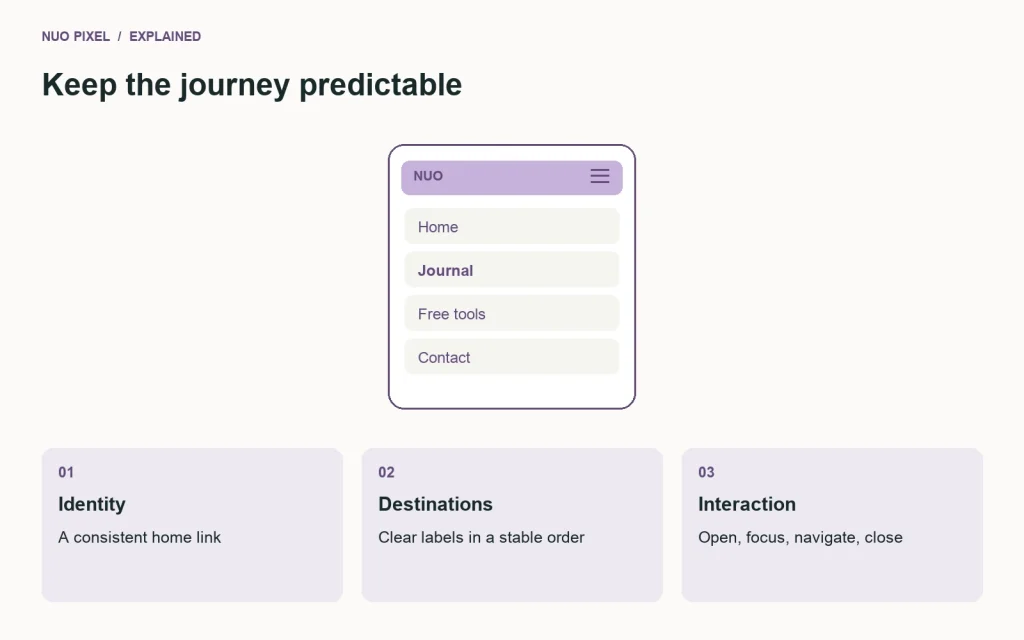
A menu should remain understandable without guessing what an icon means. Give its toggle a clear accessible name, such as “Toggle navigation,” and expose whether the controlled panel is expanded. W3C’s menus tutorial explains structural and interaction considerations for accessible navigation.
Design the closed and open states together
In the closed state, check whether the logo and toggle fit beside each other at the smallest supported width. In the open state, make sure every link remains reachable when the list is taller than the screen. A sticky header should not permanently hide the menu’s last items.
Use a real button to open a navigation panel. Links should navigate to destinations; a button should change interface state. When a design uses an overlay or focus trap, document and test its dismissal behavior, including the Escape key and focus returning to the opener. A simple expanding menu may be sufficient and easier to maintain.
Test the labels, not just the layout
Ask somebody unfamiliar with the website where they would look for a price estimate, a tutorial, and the contact form. If they repeatedly choose the wrong section, revise the label or structure before adding another visual cue.
Avoid placing important destinations only inside an unexplained icon row. If a tool is a major attraction, give the tools section a visible text label. The navigation should reflect what visitors want to do, rather than your internal department names.
Run a practical release check
Open the menu with a keyboard, move through its links, and activate one. Repeat with touch. Test a long page title, increased text size, and a phone in landscape orientation. Confirm that the panel does not cover the page’s only close control.
Try this: compare the first screen of your homepage, a blog post, and your contact page on a phone. The header should provide the same familiar starting point on all three, while the active destination changes to match the visitor’s location.
Continue learning
Want a Custom Designs for Your Brand?
Let NUO PIXEL craft design that defines your brand’s identity — creative, memorable, and made to stand out.
Contact NUO PIXEL Today