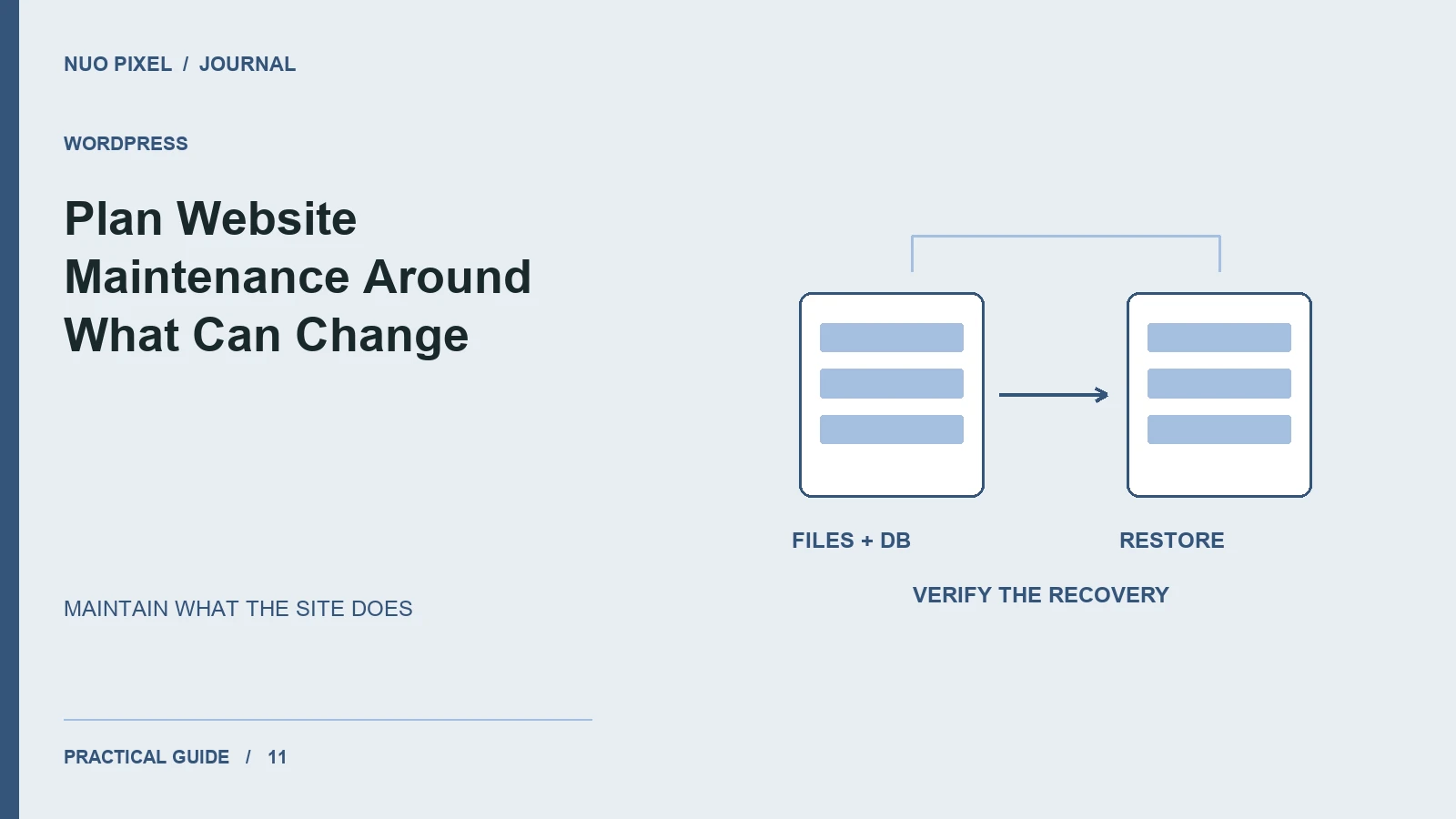
Website maintenance is often described as a subscription that keeps everything up to date. That description leaves the most important questions unanswered. Which things change? Who notices a problem? What happens if an update breaks a form? How much work belongs to routine care, and when does a new requirement become a separate development task?
This Nuo Pixel Solutions guide organizes maintenance around the website’s purpose and dependencies. A small information site, an active publishing site, and an interactive tool collection do not need identical routines. They do need clear owners, a usable recovery process, and checks that relate to the tasks visitors actually perform.
The companion matrix is a planning aid, not a promise of universal frequencies or a substitute for understanding a particular hosting account. Use it to assign responsibilities and choose a review cadence proportionate to the site’s activity and the consequences of a failure.
Begin with the website’s operating role
List the jobs the website performs today. It may explain services, collect inquiries, distribute documents, publish articles, or provide browser tools. Identify which jobs depend on the website working continuously and which can tolerate a short interruption without causing substantial disruption.
Next, list the systems involved. Hosting, domain registration, certificates, WordPress, themes, plugins, mail delivery, external APIs, analytics, and downloads can all have separate owners and renewal processes. A website can appear visually healthy while one of these dependencies has stopped doing its job.
Record what changes frequently. An article library with new content every week needs different content checks from a brochure site whose information changes only occasionally. A tool that depends on an external API needs a different failure review from a purely local image operation.
Separate content care from software care
Content maintenance includes contact information, service descriptions, dates, staff details, downloadable documents, links, examples, and instructions. Software maintenance includes runtime compatibility, updates, configuration, integration behavior, and deployment. Both affect the visitor, but they are not the same task.
Assign content ownership to someone who can verify the facts. A developer can confirm that a telephone link opens correctly without knowing whether the number is still the business’s preferred contact. An editor can update a service description without knowing whether a mail integration remains compatible with a runtime change.
Keep the handoff between those responsibilities explicit. If a new service description requires a different form field or download, the content and implementation changes need coordination. A maintenance plan should make it easy to identify that dependency rather than encouraging each owner to declare their individual part complete.
For Nuo Pixel Solutions, this distinction is useful because the website combines service information, long-form resources, and interactive utilities. The team can care for each part appropriately while retaining a shared standard for navigation, accessibility, and accurate feedback.
Define routine checks by behavior
A form check should establish that a controlled inquiry reaches its intended destination and that the confirmation matches the actual outcome. Merely opening the contact page does not verify delivery. Record the test destination and avoid sending repeated unexplained messages to the people handling genuine customers.
A download check should establish that the file exists, matches its label, and contains the expected version. A successful HTTP response alone can conceal an error document or an outdated archive. Open representative files when their content matters to the visitor’s task.
A tool check should include a normal input, an unsupported input, and a relevant failure condition. For an image converter, verify the actual output format and dimensions. For an external integration, check the response when the service is unavailable rather than assuming the successful path tells the whole story.
Navigation checks should cover the site’s different page types. Shared components reduce inconsistency, but a template change can still affect an archive or custom tool page differently. Keep a short representative route list so checks can be repeated without rediscovering the site structure each time.
Treat updates as small releases
An available update is a reason to review and act appropriately, not a guarantee that applying it blindly will preserve every custom behavior. Read the relevant change information, understand the dependency, and choose checks proportionate to what could be affected.
Use a current backup and an appropriate test environment for consequential changes. Keep the live site and its test copy distinguishable so a rehearsal does not accidentally send messages or operate on production data. Record the versions involved and the important checks performed.
Do not combine unrelated updates with a major content release simply to reduce the number of occasions you think about maintenance. A grouped change can be efficient when it is understood, but it can also make a failure harder to diagnose. Keep the release scope clear enough to investigate.
After an update, verify the relevant visitor journeys. If a form plugin changes, test forms. If the theme changes, inspect representative page types and navigation. If the runtime changes, review compatibility and logs as well as the most obvious front page.
Make backups useful through restoration
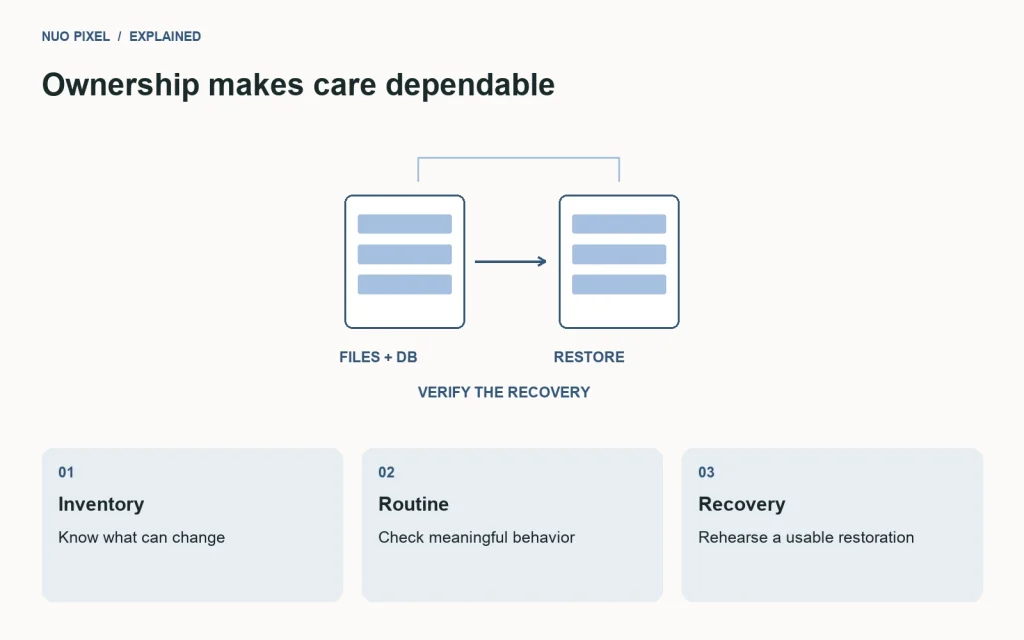
A backup notification does not establish that the website can be restored. Identify whether the backup includes the database, uploads, custom theme, plugins, and configuration needed for recovery. Keep protected copies outside the failure domain of the active server where appropriate.
Rehearse restoration in a separate environment. Open recent and older content, inspect media, and verify important custom features. Note what information was needed beyond the archive, such as a runtime requirement or service configuration. Keep those instructions accessible when the main website is unavailable.
Choose backup frequency around tolerable loss of work. A site receiving frequent important data cannot use the same assumptions as a rarely edited brochure. The maintenance discussion should establish that tolerance rather than selecting a schedule merely because it appears in a standard package.
When restoring after a problem, consider newer live activity. Replacing the entire database can remove information created after the snapshot. A targeted recovery may be safer when the affected content or files can be identified. Keep recovery decisions explicit and take a fresh snapshot before a consequential restoration.
Monitor dependencies without collecting meaningless noise
Decide which failures need attention and who receives the notification. A certificate renewal issue, a form delivery failure, and a temporary external API interruption can require different responses. An inbox full of undifferentiated warnings can make the important signal harder to notice.
Use monitoring that relates to the site’s real tasks. A homepage availability check does not prove that the contact form delivers or that a download archive is valid. Combine simple availability signals with periodic functional checks rather than asking one monitor to stand for the entire experience.
Record where notices arrive. Domain and hosting accounts sometimes remain attached to an old employee’s email address or a development account. Maintenance becomes fragile when the business cannot receive or act on an important renewal message.
Keep access responsibilities documented without putting passwords into a public maintenance sheet. Identify the account owner, the approved access route, and the person who can recover access. Credentials and private keys belong in an appropriate protected process, not inside an article or shared checklist.
Review content for accuracy and usefulness
Check information that can become stale: service scope, contact routes, dates, examples, product references, and instructions tied to changing software. Assign a review date based on the content’s sensitivity to change rather than assuming every page needs the same cadence.
For tutorials, verify the central task after meaningful tool or platform changes. Update screenshots and downloads when the instructions no longer match. Keep a correction note when it helps readers understand what changed, especially if an earlier version could lead to a different result.
For case studies, preserve the measurement context and permissions behind the claims. A result from one project or period should not gradually become a general promise as the text is reused. Maintenance includes protecting the accuracy of those distinctions.
Use recurring questions to prioritize revisions. If readers or customers repeatedly misunderstand the same section, improve that explanation before publishing another lightly differentiated page. A useful resource library grows through better answers as well as through more titles.
Include accessibility and responsive behavior
Content changes can introduce accessibility problems without any software update. A new image may lack an appropriate alternative, a heading may be used for its visual size rather than its structure, or an added call to action may have an unclear label.
Keep a small review set containing a paragraph, a long heading, a form error, a navigation state, and representative media. Check keyboard access, focus visibility, text enlargement, and narrow layouts when shared components change. These checks are easier to repeat when the specimen already exists.
Do not treat an automated report as a complete evaluation. Automated checks can identify useful issues, but they do not establish whether instructions are clear, focus behavior makes sense, or a visitor can complete the task. Include appropriate manual review alongside the available tooling.
For a small maintenance plan, begin with the most important journeys and expand according to the website’s needs. Clear ownership of a modest, repeatable review is more useful than an ambitious checklist nobody has time or authority to carry out.
Distinguish maintenance from new development
Define routine care in concrete terms. Applying a compatible update, checking a form, correcting an approved contact detail, and verifying a backup are different from building a new integration or redesigning a workflow. The agreement should explain where the boundary sits.
Allow a route for small improvements without pretending every request is identical. A wording change can reveal a structural issue; a plugin update can expose a custom compatibility problem. Record the finding, explain the proposed work, and agree the next step rather than silently stretching or shrinking the maintenance scope.
Avoid universal price claims in a planning guide. The amount of work depends on the site’s dependencies, activity, service expectations, and risk. A useful proposal describes the tasks and response arrangements so the business can evaluate what is included.
Nuo Pixel Solutions can use the companion matrix to start that discussion. Its purpose is to make responsibility visible and identify the checks the website needs. It is not a substitute for reviewing the actual project and agreeing a realistic service arrangement.
Keep a short maintenance record
Record the date, change, reason, relevant backup or release, checks performed, and unresolved issues. Keep it concise enough to maintain. A useful note explains the state of the website to the next person without requiring them to reconstruct a month of messages.
Link the record to the affected content or component. If a download was replaced, identify the version. If a form destination changed, record that the safe delivery check passed. If an update was deferred, explain the dependency and who owns the follow-up.
Review repeated incidents. If the same form fails after every configuration change, the answer may be a better release check or a simpler integration rather than another reminder to test it manually. Maintenance should improve the process as well as repair the immediate problem.
The practical objective is dependable ownership. Somebody knows what the website needs to do, what can change, how to notice a failure, and how to recover. Once those responsibilities are clear, the maintenance plan becomes a useful operating routine rather than a vague promise that somebody is taking care of the website.
Choose a first review cycle you can sustain
Start with the checks whose failure would matter most to the business: contact delivery, access to essential information, working downloads, and a usable backup. Assign a date and owner for each, then review the arrangement after it has been used. If a task is repeatedly missed, investigate whether the responsibility, access, or effort was unrealistic.
A browser-tool collection also benefits from a small retained input set. Keep a normal image, an unsupported file, and a demanding but legitimate example so an update can be checked against the same cases. This makes maintenance more repeatable without turning every routine check into a new test-design project. Add cases when a real issue reveals a gap, and remove obsolete ones deliberately rather than accumulating an unmanageable list.
Resources for this guide
Need help applying this to a website? Discuss the project with Nuo Pixel Solutions.
Continue learning
Want a Custom Designs for Your Brand?
Let NUO PIXEL craft design that defines your brand’s identity — creative, memorable, and made to stand out.
Contact NUO PIXEL Today