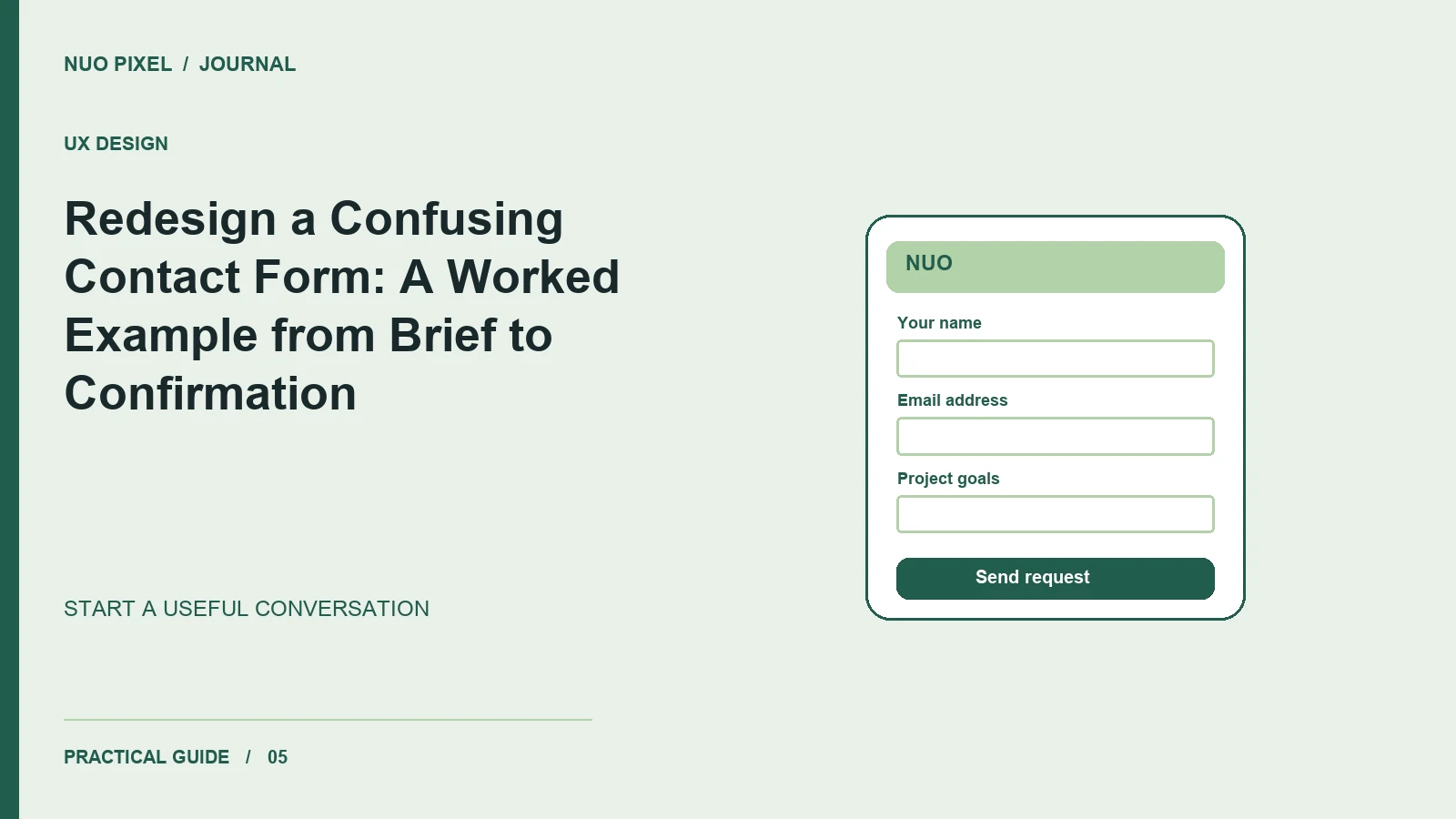
A contact form can ask sensible questions and still make a visitor feel unprepared to answer them. The problem is often the sequence and language. A person who wants a better website may understand their business problem very clearly while knowing little about page counts, integrations, or implementation terminology.
This Nuo Pixel Solutions demonstration redesigns a deliberately awkward sample form. It is an educational example, not a claim about a client’s conversion results. We will describe the original problems, revise the questions, define error and success states, and build a practical review process. The downloadable form checklist lets you apply the same reasoning to your own page.
The outcome we are designing for is a useful first conversation. The business needs enough information to respond intelligently, while the visitor needs confidence that they can explain the project without already having solved its technical details. Keep that shared goal in view whenever a proposed field starts to feel mandatory.
Describe the original form honestly
Our sample begins with ten fields: full name, company name, telephone, email, industry, budget, technology stack, page count, launch date, and a message. Every field is required. Several labels have no examples, and the submit button says “Proceed.” An error clears the message and displays “Invalid request” at the top.
None of these details proves that a real form with similar fields will perform badly. Context matters. The demonstration gives us specific friction to investigate, not evidence for a universal conversion claim. We can improve its clarity and recovery behavior without pretending that a redesign has already produced more leads.
Write down the information the first reply actually requires. If the team can begin by reading a project description and replying by email, a required telephone number may not belong in this first step. If a budget range helps route the inquiry, explain the reason and allow uncertainty rather than forcing an inaccurate answer.
Replace technical qualification with a useful opening question
Change “Technology stack” to a question the visitor can answer: “What would you like the website to help people do?” An example might be “Customers should be able to request an estimate from their phones.” That response describes a meaningful goal without asking the visitor to choose a framework.
You can still ask about an existing website or system when it matters. Make the field optional unless it is genuinely necessary, and explain the kind of information that helps. A link to the current site can reveal more than a required dropdown whose options the visitor does not recognize.
Avoid turning the example into a script that visitors feel obliged to copy. Keep it short and indicate that ordinary language is welcome. A helpful prompt gives someone a starting point while leaving space for a different problem, an unusual constraint, or an early-stage idea.
For Nuo Pixel Solutions, this question also supports the brand’s combined design and development work. It begins with the desired experience and business task, then leaves room for the team to discuss the appropriate implementation. The form should reflect that relationship rather than presenting design and technology as a list of unexplained prerequisites.
Decide what is required and explain what is optional
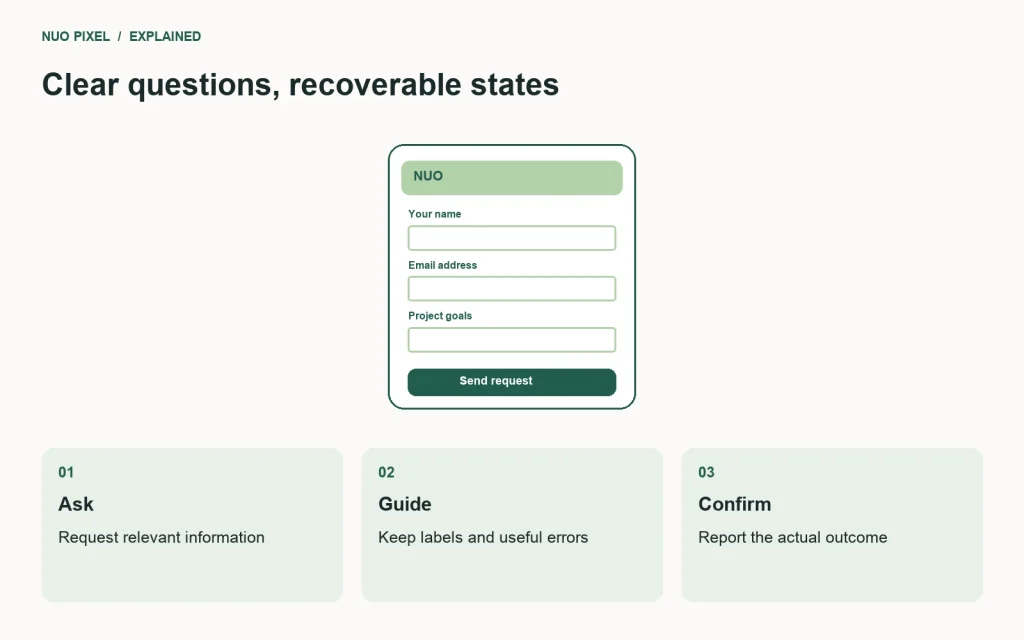
For the redesigned sample, keep a name, a reply email, and a project description as the core fields. Offer company, current website, approximate budget, and preferred timing as optional context. The exact list can change for another business; the important discipline is that each required field has a clear purpose at this stage.
Label optional fields explicitly. If you rely on an asterisk for required fields, explain it before the visitor encounters the fields and ensure the meaning is available beyond the visual symbol. Do not make someone submit the form to discover which blanks were acceptable.
For budget, consider a selection that includes “I would like guidance.” This does not solve pricing or guarantee that every inquiry is suitable. It prevents an early conversation from requiring false precision. Explain that the information helps discuss a realistic scope rather than implying that the number is a binding quotation.
For timing, distinguish a preferred date from an immovable deadline if that difference matters. A person may be willing to adjust a launch date after understanding the work. A short note inviting relevant context can be more useful than a required calendar selection that hides the reason behind the date.
Write labels that remain visible during entry
Use a real visible label associated with each control. A placeholder can provide an example, but it disappears when the visitor types and should not carry the only explanation of the field. Keep short help text close to the decision it supports.
Choose appropriate input types and autocomplete hints. An email field should support entering an email address. A name field should not reject a legitimate name because it contains punctuation or a space. A telephone field, if included, should not assume that every caller uses one local formatting convention.
Do not force every field into two columns just because the desktop design has room. Read the sequence at phone width. The visitor should encounter the questions in a meaningful order, and the keyboard should not obscure the only instructions or submit control.
The W3C forms tutorials provide references for labels, instructions, validation, and notifications. Use those references to examine the implemented form. A design file showing neat labels does not establish that the final controls have the correct programmatic relationships.
Make validation specific and recoverable
Replace “Invalid request” with an explanation of the field that needs attention. “Enter an email address including @” gives a concrete next step. “Describe the project in the message field” is more useful than a generic warning if that field is required.
Preserve the information that was entered. Losing a carefully written project description is a substantial penalty for a small correction elsewhere. Keep the text in the page during recoverable errors, and avoid silently resetting the form when a request is still pending or a delivery attempt fails.
If several fields need attention, provide a useful summary that helps the visitor reach them. Do not rely only on a red outline. Pair visual emphasis with written explanations and appropriate relationships between fields and messages. A person should be able to understand the problem without distinguishing a particular hue.
Validate on the server as well as in the browser. Client-side checks can improve feedback, but incoming requests still need independent validation. Keep the visitor-facing message understandable without exposing internal implementation details or suggesting that a technical error is the visitor’s fault.
Design the sending state before implementing it
After the visitor activates the submit button, show that the request has been received by the interface. Prevent accidental repeated submissions when appropriate, but do not leave the page with an unexplained disabled button. A short status message can clarify what the page is waiting for.
Do not mark the request successful just because the button was clicked or the browser began a network request. Distinguish a valid form from an accepted submission and from any later delivery outcome your system can actually establish. The confirmation should match the evidence available to the application.
If the server returns an error, keep the entered content and offer a reasonable retry route. If you provide a direct email address as an alternative, make sure it is a monitored business address. An alternative contact method is useful only if the business can respond through it.
Think about the case where the visitor navigates away during a slow request. Decide whether their text can be preserved locally and explain any storage behavior accurately. Do not introduce persistent storage of inquiry details casually; the convenience should be weighed against what information is being retained and where.
Write a confirmation the business can honor
A useful confirmation states that the request was received and explains the next step. If the business promises a reply within a specific period, make sure the team can support that promise through holidays, weekends, and busy periods. Otherwise, use a clear statement that does not create a false expectation.
Avoid using the success screen exclusively for another sales pitch. The visitor first needs reassurance about the action they just completed. You can offer a relevant guide or portfolio link afterward, but it should not obscure the submission result or imply that another step is required when it is not.
Provide a way to correct an important mistake if your workflow supports it. A reference number can help a busy team locate a request, but do not invent one that is never stored or monitored. Every detail in the confirmation should have an operational purpose.
For this demonstration, use a test destination and identify it clearly. Do not send sample inquiries to a live business mailbox repeatedly while testing the interface. The implementation can be exercised safely without creating confusing messages for the people responsible for genuine inquiries.
Review the form with realistic tasks
Ask a reviewer to request help with a website using an ordinary project description. Do not tell them which fields are optional or where a particular answer belongs. Observe hesitation and ask what they expected. The goal is to uncover ambiguity, not teach the intended route during the task.
Repeat the task with one required field missing. Then simulate a delivery failure or interrupted connection in a controlled environment. Check whether the text survives, whether the status is accurate, and whether the reviewer can recover without reconstructing the message.
Test keyboard navigation and text enlargement in the working page. Check that focus remains visible, labels remain available, and the error summary does not trap the visitor in an unclear position. A clickable prototype can explore the sequence, but it cannot establish all of these production behaviors.
Record findings as observations. “The reviewer interpreted the budget field as a fixed quote” is actionable. “Users hate budget fields” is an unsupported generalization from a small exercise. Preserve the distinction between a useful design discovery and a broad claim about an audience.
Compare the before and after without inventing results
The redesigned sample has fewer required questions, clearer labels, specific errors, preserved input, and a truthful confirmation. These are changes you can demonstrate directly. Show the original and revised states beside each other and explain the reason for each revision.
Do not attach an invented percentage improvement. If you later measure the live form, record the period, traffic context, definition of a successful inquiry, and relevant changes in audience or acquisition. A higher submission count alone does not establish that the form caused the change or that the inquiries became more useful.
Also listen to the team receiving the requests. If an optional field consistently contains valuable context, improve its explanation. If an added required question produces guesses and makes follow-up harder, reconsider the requirement. The form should evolve around a real conversation, not a fixed belief that shorter or longer is always better.
Keep the form connected to the service
Place the form after enough information for a visitor to understand what Nuo Pixel Solutions offers. Link to relevant examples and explain the kinds of projects the team can discuss. A clear service page can answer basic questions before the form has to ask them again.
Use the downloadable review checklist whenever the form changes. Update the field labels, delivery configuration, confirmation wording, and test records together. A form can remain visually identical while its mailbox stops working or its server behavior changes, so repeat a safe delivery check as part of ordinary website maintenance.
The best result of this exercise is not a fashionable form layout. It is a reliable start to a useful conversation: a visitor can explain their goal, understand what is required, recover from an ordinary mistake, and trust the response the page provides. Those are concrete qualities a small business can review and maintain.
Keep the test destination, expected confirmation, and most recent delivery-check date with the checklist. That small operational record helps the next maintainer verify the same behavior after an update.
Resources for this guide
Need help applying this to a website? Discuss the project with Nuo Pixel Solutions.
Continue learning
Want a Custom Designs for Your Brand?
Let NUO PIXEL craft design that defines your brand’s identity — creative, memorable, and made to stand out.
Contact NUO PIXEL Today