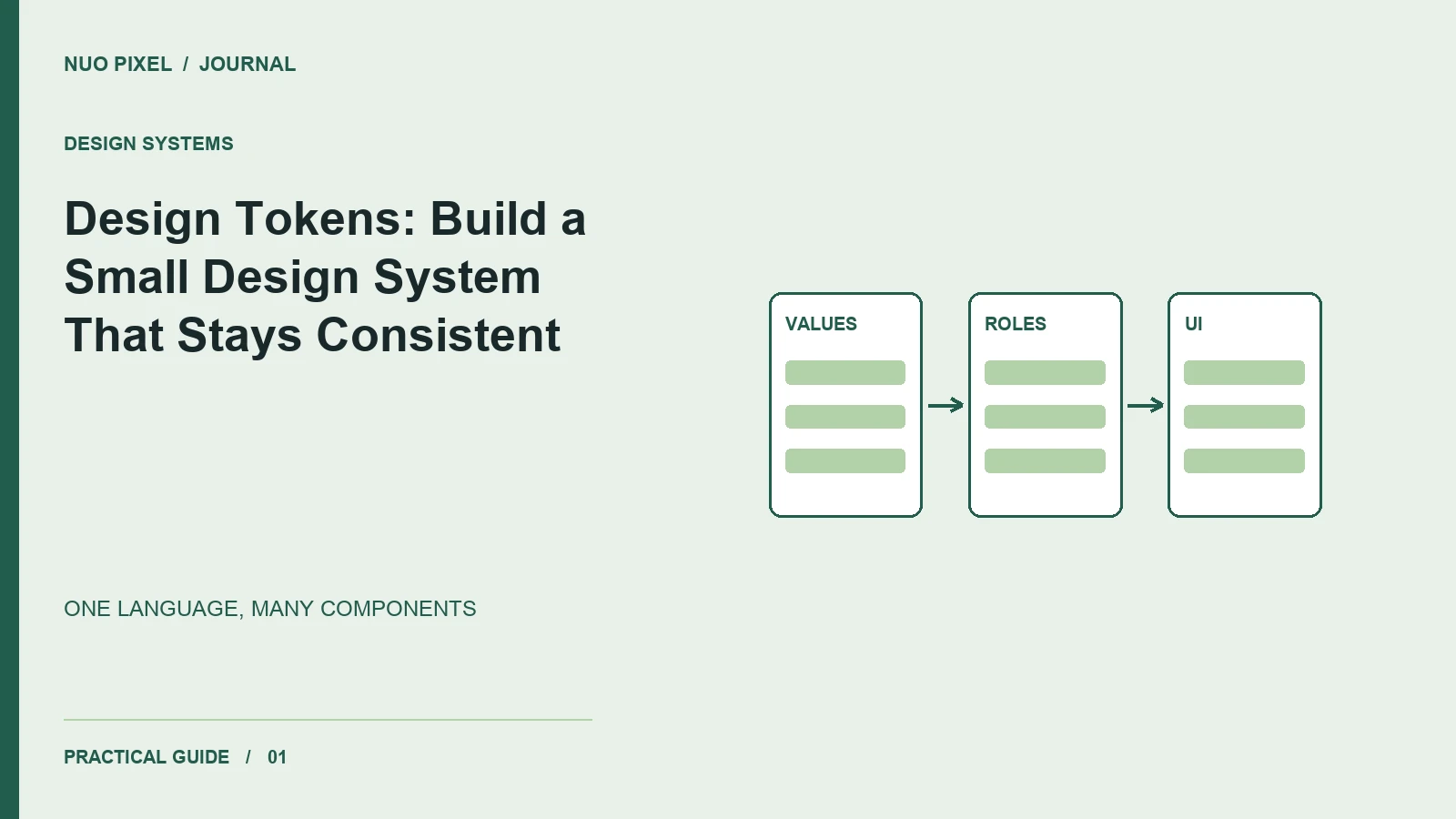
A website rarely becomes inconsistent in one dramatic change. It happens when one button gains a new radius, a second page uses a slightly different gray, and a third introduces another spacing value. Design tokens give those recurring decisions names so designers and developers can change them deliberately.
For a small business website, start with the elements that repeat most often: navigation, buttons, form fields, cards, and article headings. You do not need an enormous component library before you can make those elements agree.
Start with roles, then values
Write down the roles your interface needs: page background, primary text, muted text, border, interactive accent, and keyboard focus. A name such as --color-text-muted explains an intention; --gray-400 only identifies a position in a palette. You can keep primitive values underneath, but components should usually reference the role.
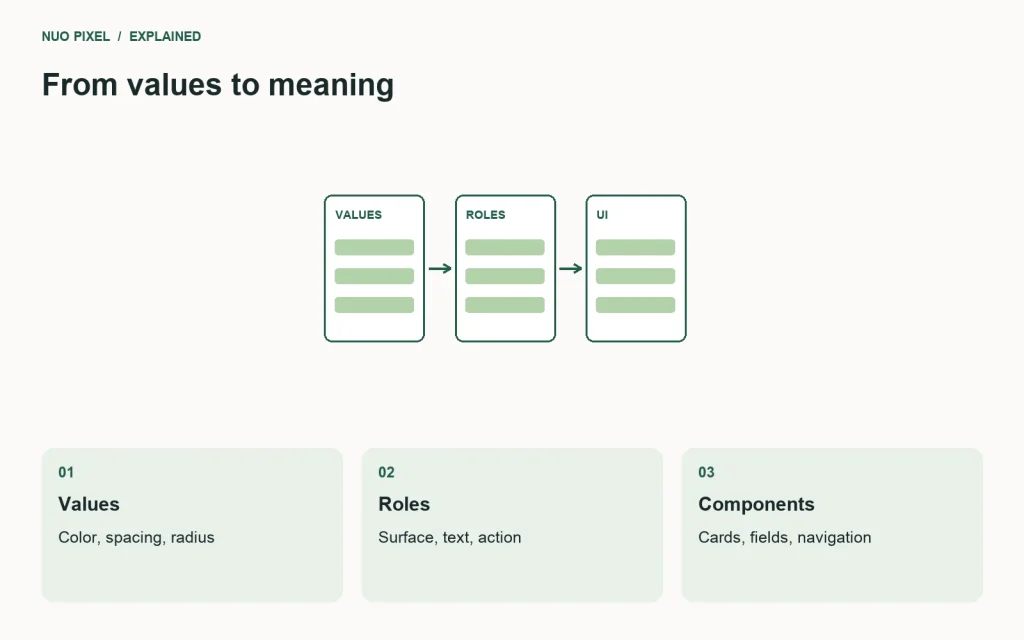
This is a deliberately small starting point:
:root {
  --color-surface: #ffffff;
  --color-text: #172128;
  --color-border: #d6dedf;
  --space-card: 1.5rem;
  --radius-card: 0.75rem;
}
.card {
  color: var(--color-text);
  background: var(--color-surface);
  border: 1px solid var(--color-border);
  padding: var(--space-card);
  border-radius: var(--radius-card);
}
CSS custom properties let you define and reuse values through the cascade. See MDN’s custom properties guide for the underlying syntax and inheritance behavior.
Audit one real page
Take screenshots of the homepage, contact page, and one article. Mark every repeated visual decision. If two values perform the same job, choose one unless there is a clear reason for a difference. Avoid merging values purely because they look similar: a warning border and a brand accent may need to evolve independently.
Next, apply the tokens to one component. Check its default, hover, focus, disabled, and error states before spreading the change. This catches missing roles early and keeps a seemingly simple color update from hiding a keyboard focus indicator.
Keep the system easy to change
Document each token with its purpose, a sample component, and one example of misuse. Assign an owner who can approve additions. When somebody proposes a new spacing value, first ask whether an existing value works; if it does not, record the reason.
A useful first milestone is a single card component that looks consistent on three pages and survives a long title. Follow that with shared buttons and fields. Measure the system by how confidently your team can change it, rather than by the number of tokens it contains.
Try this: replace three duplicated card padding values with one token, inspect all three pages at mobile width, and record any intentional exceptions.
Continue learning
Want a Custom Designs for Your Brand?
Let NUO PIXEL craft design that defines your brand’s identity — creative, memorable, and made to stand out.
Contact NUO PIXEL Today