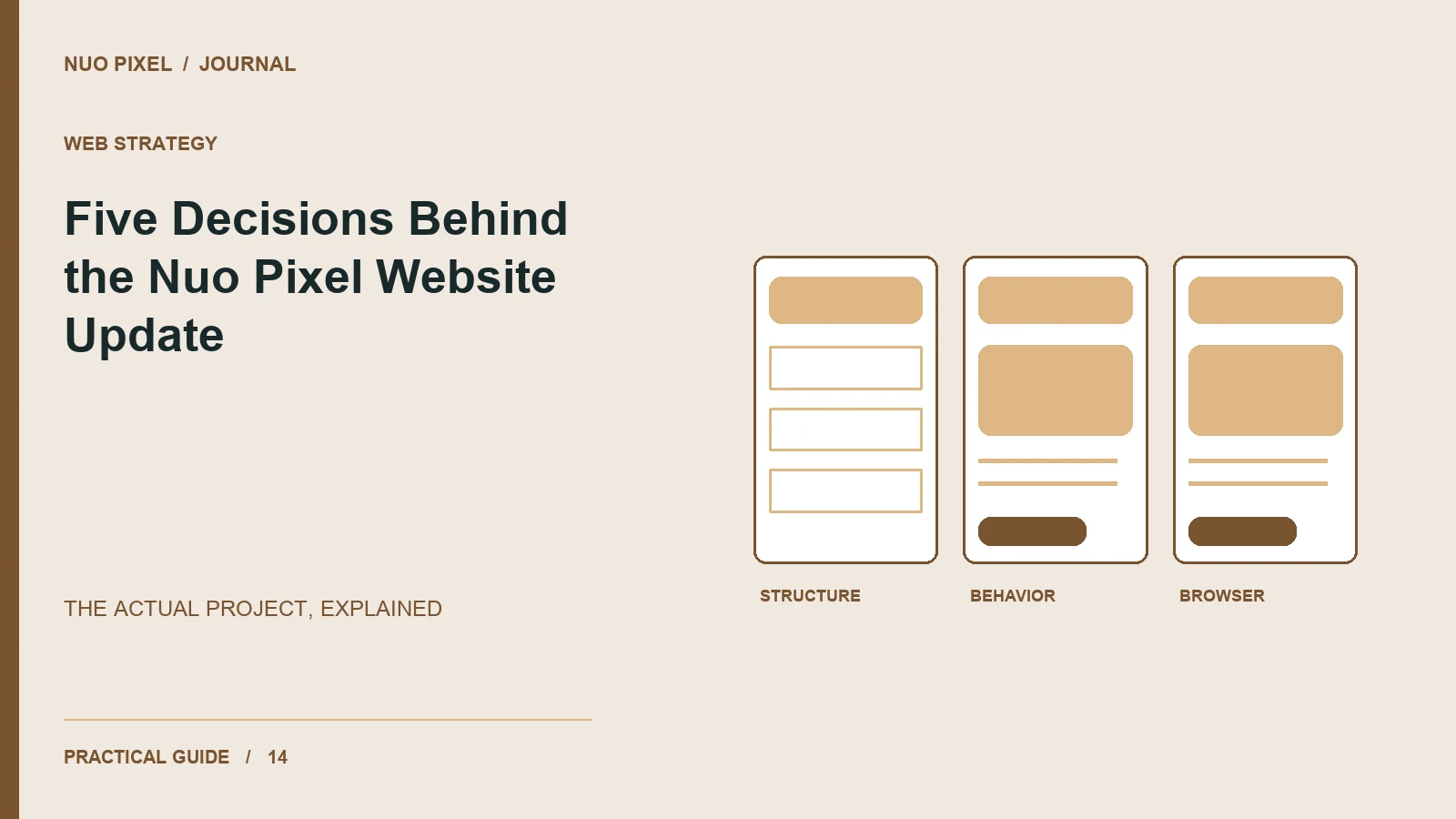
A useful project walkthrough explains the decisions behind an interface, including the constraints and the things that were not measured. It should not need an invented client quotation or an unsupported conversion claim to make the work interesting.
This walkthrough uses the Nuo Pixel Solutions WordPress project itself. The initial work involved running an existing site locally, making its header consistent, and adding an illustrated editorial collection. Those are concrete changes that can be inspected in the templates, database, and rendered pages. They provide a practical example of how content, design, and implementation affect one another.
The five decisions below concern the shared site shell, the blog listing, article imagery, the editorial record, and verification. The companion annotations identify what changed and what evidence exists. This is a local project account, not a claim that a particular business result has already occurred on the public website.
Decision one: use one shared header across the website
The visible problem was straightforward: some pages did not use the same header as the homepage. The cause was less obvious from a screenshot. The child theme contained conventional PHP templates, while the parent theme also supplied block templates. Different routes could therefore enter different template paths and inherit different site shells.
The useful response was to identify the routing boundary rather than paste a copy of the homepage navigation into each affected page. Duplicated navigation can make the immediate screenshots agree while creating a maintenance problem. A later label change then has to be repeated across several files, and one missed copy recreates the inconsistency.
The update routes the relevant public page types through the child theme’s shared header and footer while retaining the existing custom page content. Ordinary pages, articles, archives, and tool routes can have different bodies without reinventing the site identity and main destinations.
That decision has a design consequence as well as a technical one. A visitor arriving directly at an article or a utility receives the same familiar starting point as somebody arriving through the homepage. The active section can change to reflect location, while the logo destination, labels, and order remain stable.
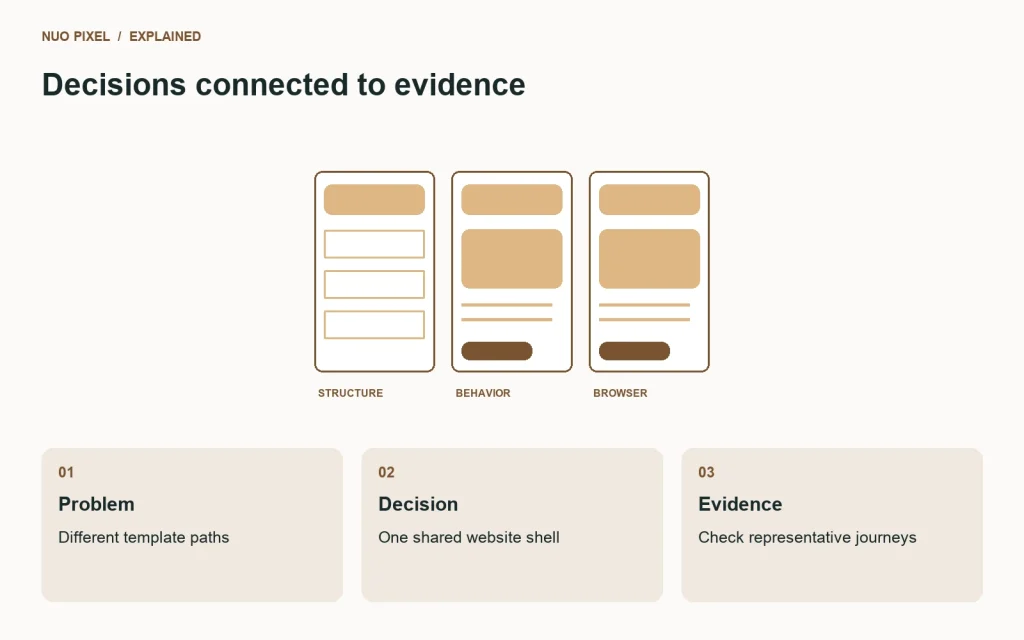
How the header decision was checked
The verification did not stop at the homepage. Representative standard pages, an article, the tools archive, a custom utility, and the Chinese page were checked for the same header links and a single main content shell. The mobile menu was also opened in the working browser.
Those checks establish consistency for the inspected routes and states. They do not establish that every future plugin page or template change will automatically remain correct. The maintainable part of the decision is that the shared shell and route behavior have an explicit place to be reviewed when the site evolves.
The Chinese page needed particular attention because it had its own standalone document wrapper. Keeping the translated content while using the shared site shell avoided a second independent navigation implementation. The body can identify its content language without carrying a separate, drifting copy of the entire header.
A useful lesson is to investigate how a page is assembled before correcting how it looks. Visual inconsistency can come from the content, styling, template selection, or duplicated components. The right repair depends on which boundary actually caused the difference.
Decision two: make the blog a browsable collection
The earlier listing implementation queried every post into one page. That can look acceptable when a collection is small, but it does not provide a clear long-term browsing structure as more articles arrive. The update introduced a defined page size and pagination rather than continuing to extend one increasingly long grid.
The listing uses the main blog query for its ordinary archive context and presents twelve posts per page. Cards have a consistent image treatment, a visible title, a short excerpt, and a reading link. Their internal layout is flexible enough for real titles rather than fixed around a few short examples.
At the initial editorial stage, the site contained twenty new posts alongside nine existing ones. The pagination check accounted for all twenty-nine without repeated or missing card identities across the three listing pages. This is a specific verification result about the local collection at that stage, not a forecast of visitor engagement.
The page introduction also became more focused. It explains the journal’s practical design and technology subjects and points toward relevant browser tools. The purpose is to help a visitor understand what the collection is for before they choose an article, rather than surrounding the listing with a long generic description of blogging.
What the card design deliberately leaves flexible
Titles can wrap, excerpts can vary, and images have a defined listing role. These decisions matter because the publishing workflow will produce ordinary variation. A component that requires an editor to shorten every title to the same length is transferring a layout constraint into the writing process.
The cover crop is kept separate from the article figure treatment. A cover can be composed for a wide listing ratio, while an explanatory diagram needs its labels and relationships preserved. Applying one crop rule to both would make the system visually consistent at the cost of useful information.
The listing also includes empty and later-page behavior. A grid is not a complete archive merely because its first twelve cards look good. Visitors need a clear way to reach more content, and the page should explain an empty state without pretending that a failed or absent query is an ordinary collection.
The general lesson is to design for the content contract and the size of the collection you intend to maintain. Sample data is a starting point for implementation, but a publishing interface should be reviewed against the variation it will actually receive.
Decision three: give illustrations an explanatory role
The initial editorial collection received a featured cover and a separate in-post diagram for each new article. The distinction was intentional. The cover identifies the subject in the listing, while the diagram explains a relationship inside the guide.
The illustrations use a restrained family of colors, typography, and original geometric diagrams. That gives the collection a recognizable visual structure without requiring every article to reuse the same picture. A request-state guide can show branches into results, empty responses, and errors; a design-token guide can show the relationship between values, roles, and components.
The files were registered through the WordPress media workflow rather than left as untracked image URLs. That allows featured-image relationships, attachment metadata, and generated sizes to remain part of the CMS. Image alternatives and captions describe the purpose of the diagrams instead of being used as containers for repeated keywords.
Forty image files supported the twenty-post launch collection. The local verification requested the relevant article pages and images, checked their availability, and confirmed that the figures were inserted rather than left as drafting markers. This is a coverage check; it is not a claim that every reader will interpret every diagram in the same way.
Why the source files were retained
An exported image is not a complete editorial asset record. If the title changes, the diagram needs a correction, or the layout requires another size, the team should not have to reconstruct the artwork from a compressed screenshot.
The project retains the illustration code, metadata, article sources, and generated outputs. This makes it possible to revise a specific diagram and understand which article it belongs to. It also keeps the original source distinguishable from the version currently displayed in the Media Library.
That structure supports consistent maintenance without requiring a large asset-management system. A clear relationship among source, output, attachment, and article is enough to prevent many ordinary mistakes. The same principle applies to downloadable code examples and templates in the growth-plan collection.
The practical lesson is to make images part of the content system. A featured image should have a source and purpose, and an instructional figure should remain tied to the explanation it supports. Visual polish and editorial accuracy need to evolve together.
Decision four: keep the original site export distinct from new work
The project arrived with WordPress files and a database export. The local setup imported that export into a separate database and adapted the local configuration and URLs. The supplied export remained a baseline rather than becoming an ambiguous file that was silently overwritten after every change.
This matters because files and database content form different parts of the project state. A theme edit can exist on disk while a new article lives in the local database. Somebody returning later needs to know which database snapshot contains the editorial changes and which source files can reproduce them.
The work therefore retained backups and added a separate export after the editorial import. The article source records and import process also make the added collection identifiable. This is more understandable than relying on a single filename whose contents change without a corresponding release record.
The approach does not imply that a full local database should blindly replace a public website. Live users, inquiries, and other activity may have changed independently. The distinction between a baseline, local authored changes, and current production data is important even when the initial task is simply to run a project locally.
Decision five: verify concrete behavior before describing success
The checks focused on observable results: routes returned the expected status, new posts had featured images and in-post figures, the header links agreed, pagination accounted for the collection, and private local files were not served as ordinary downloads.
PHP syntax checks covered the modified templates. Browser review covered the listing, an article, and mobile navigation. These are useful forms of evidence because they connect the implementation changes to the experience the user requested.
They also have limits. A successful local HTTP response does not establish production rendering performance. A mobile-width review does not establish every device interaction. A consistent header does not prove that an entire website is accessible. The project account should state what was checked without inflating it into a universal quality guarantee.
No conversion uplift, traffic increase, or client business result was invented for this walkthrough. Those outcomes would require a suitable live measurement process and context. The work can still be explained usefully through its actual problems, decisions, implementation, and verification.
What this changes for future content
The growth-plan resources build on the same foundation: practical explanations, original or appropriately credited examples, useful downloads, and a clear connection to the studio’s design and development work. The increased article-length requirement is an editorial acceptance rule, not permission to fill pages with repeated brand copy.
A long article should earn its length through worked decisions, implementation details, troubleshooting, and useful limits. A tool guide should explain what the tool does, how to interpret the result, and what it cannot establish. The shared site structure makes those different content types easier to present consistently.
For Nuo Pixel Solutions, the case study itself is an example of that approach. It uses the real project where evidence is available and labels the limits where it is not. That gives readers something they can inspect and adapt rather than a success story assembled from unsupported numbers.
Apply the five decisions to another project
Start by identifying one visible inconsistency and tracing how it is produced. Define the content collection and its growth needs. Give media an explicit role and retain its sources. Keep baseline data distinguishable from new authored work. Finally, choose checks that demonstrate the requested behavior and record their limits.
You do not need the same theme architecture or visual style to use these principles. Their value lies in the relationship between decisions and evidence. Each change has a reason, a place in the implementation, and a way to be assessed by someone who did not participate in the original conversation.
That is what a useful project walkthrough should leave behind: a clearer understanding of the work, a dependable record of what changed, and practical questions a reader can carry into their own website. The design becomes more informative when its reasoning is available alongside the finished page.
Resources for this guide
Need help applying this to a website? Discuss the project with Nuo Pixel Solutions.
Continue learning
Want a Custom Designs for Your Brand?
Let NUO PIXEL craft design that defines your brand’s identity — creative, memorable, and made to stand out.
Contact NUO PIXEL Today