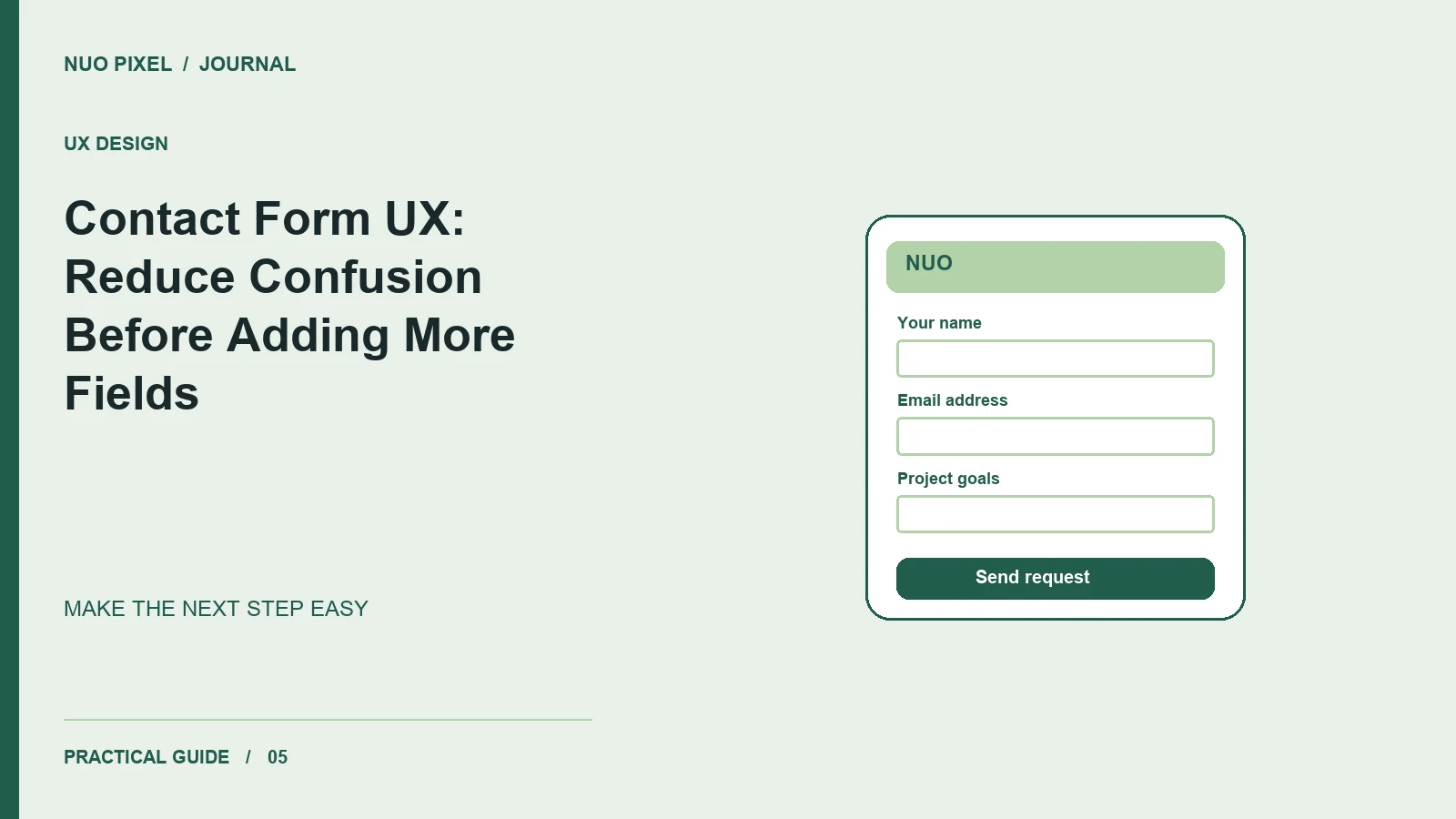
When a visitor reaches a contact form, they are trying to begin a conversation. Each unclear label, unnecessary field, or vague error message makes that conversation harder. Improving the form often starts with removing uncertainty rather than adding a more elaborate design.
Imagine a visitor asking for a website estimate. They may know their business goal but not the number of templates, integrations, or technical features they need. Your form should help them explain the problem in their own words.
Ask for information you can use
Start with a name, a reply address, and a short project description. Add budget or timeframe only when you can explain how the answer helps. If a field is optional, label it that way; do not make visitors guess whether leaving it empty will block submission.
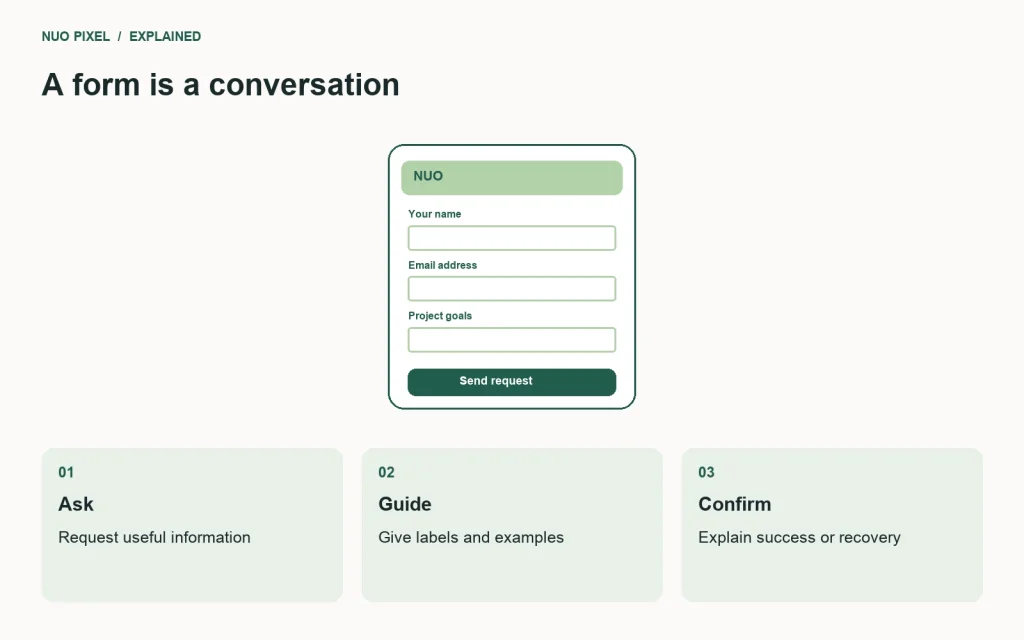
Use visible labels associated with their controls. A placeholder can show an example, but it disappears during entry and should not replace the label. W3C’s forms tutorial covers labels, instructions, validation, and user notifications.
Put help beside the decision
“Tell us what you want to achieve” is a better description prompt than “Message” when you need project context. A short example can be useful: “We want customers to request a quote from their phones.” Avoid requiring a fully written specification from someone who is contacting you for guidance.
Choose suitable input types and autocomplete attributes. An email field should support email entry; a telephone field should not reject a legitimate international format because it differs from a local example. Test on a phone where the software keyboard makes these choices visible.
Make errors recoverable
After validation fails, preserve the visitor’s entries and identify the field that needs attention. Write an actionable error such as “Enter an email address including @” instead of “Invalid input.” Use a summary for multiple errors when appropriate, with links to the relevant fields.
Distinguish validation errors from delivery failures. If your server cannot send the message, do not display a success confirmation. Offer a clear retry route or a visible alternative contact method. Keep the submit control’s state understandable during processing so visitors do not repeatedly send the same request.
Explain the outcome
A confirmation should state what happened and what the visitor can expect next. Only promise a response timeframe that your team can actually meet. Do not clear the form before you know the request succeeded.
Try this: submit your form with one required field missing, then repeat with the connection interrupted. Record whether the message survives, whether the problem is explained, and whether the visitor can recover without starting over. Those two checks reveal more than another decorative form animation.
Continue learning
Want a Custom Designs for Your Brand?
Let NUO PIXEL craft design that defines your brand’s identity — creative, memorable, and made to stand out.
Contact NUO PIXEL Today