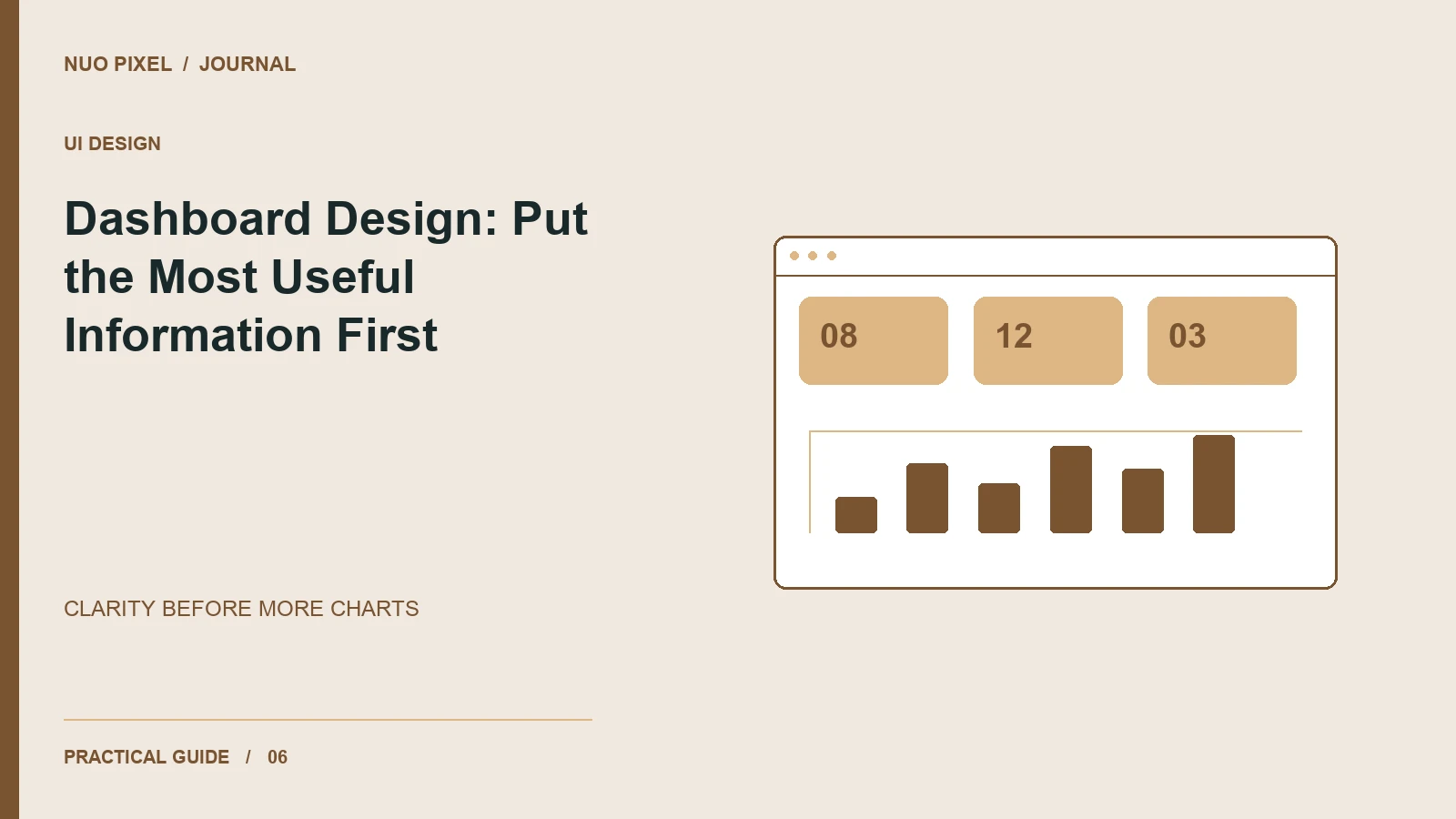
A dashboard can contain accurate data and still leave people unsure what to do. The problem is often hierarchy: every metric has the same size, every chart demands attention, and the most important change is buried beneath decorative cards.
Before drawing the layout, write one sentence describing the decision the dashboard supports. For a studio owner, that might be: “Which projects need attention this week?” That question gives the page a purpose and helps you remove information that belongs in a detailed report instead.
Separate status, explanation, and action
Organize the screen into three layers. First, show the current status. Next, explain important changes. Finally, provide a route to investigate or act. A total without context is rarely enough: ten open requests could be healthy or alarming depending on their age and your team’s capacity.
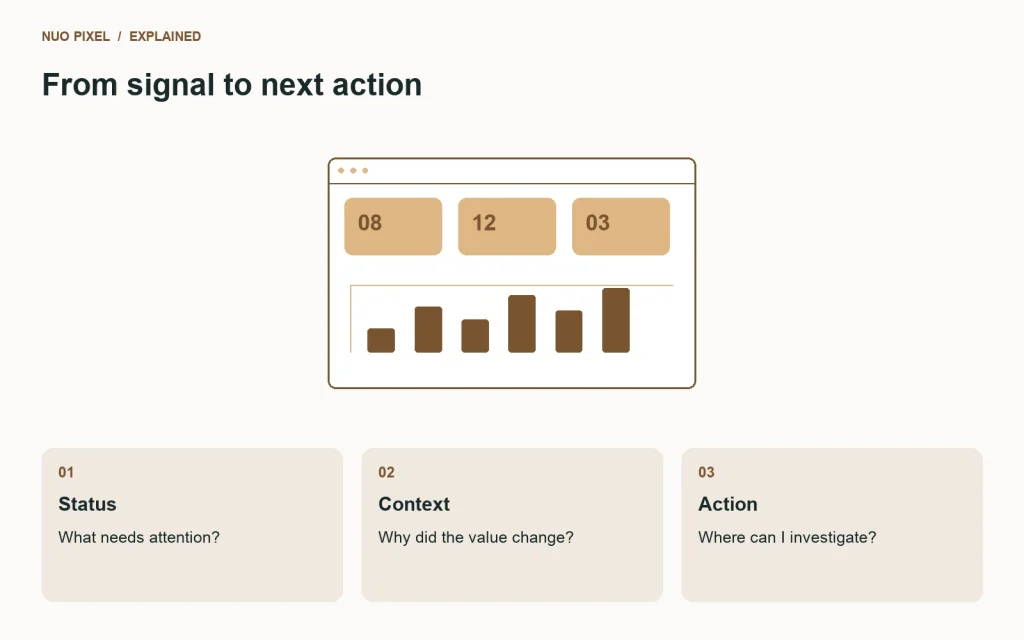
In an illustrative project dashboard, the top row might show overdue tasks, work awaiting client feedback, and deadlines within seven days. Beneath it, a table could list the projects responsible. This is a design example, not a claim about any studio’s actual performance.
Give numbers their context
Write precise labels and include units. “Response time: 4 hours” communicates more than “Response: 4.” Show the comparison period near a percentage change, and make it clear whether a higher value is good, bad, or neutral for the task.
For charts, choose a view that matches the question. A line can show change over time; bars can compare a small set of categories. Avoid squeezing a dozen unrelated measures into a single impressive-looking visualization. Provide the underlying values or a table when visitors need to inspect exact figures.
Design the uninteresting states
An empty dashboard needs a useful explanation. “No projects yet—create your first project” is different from “No results match these filters.” A loading view should reserve enough space to avoid abrupt jumps, and a failed request should offer recovery without pretending that missing data means zero.
Keep filters visible and show their current values. If a visitor changes the date range, make sure every dependent section reflects that range or clearly states an exception.
Keep the structure understandable
Use a meaningful heading hierarchy so the page can be scanned visually and navigated with assistive technology. W3C’s headings guidance explains how headings communicate the organization of a page. Pair chart colors with text labels so meaning does not depend only on hue.
Try this: cover every chart on your dashboard and read only the headings and key values. Can a new visitor identify the page’s purpose and the next action? If the answer is unclear, improve the labels and hierarchy before adding another chart.
Continue learning
Want a Custom Designs for Your Brand?
Let NUO PIXEL craft design that defines your brand’s identity — creative, memorable, and made to stand out.
Contact NUO PIXEL Today