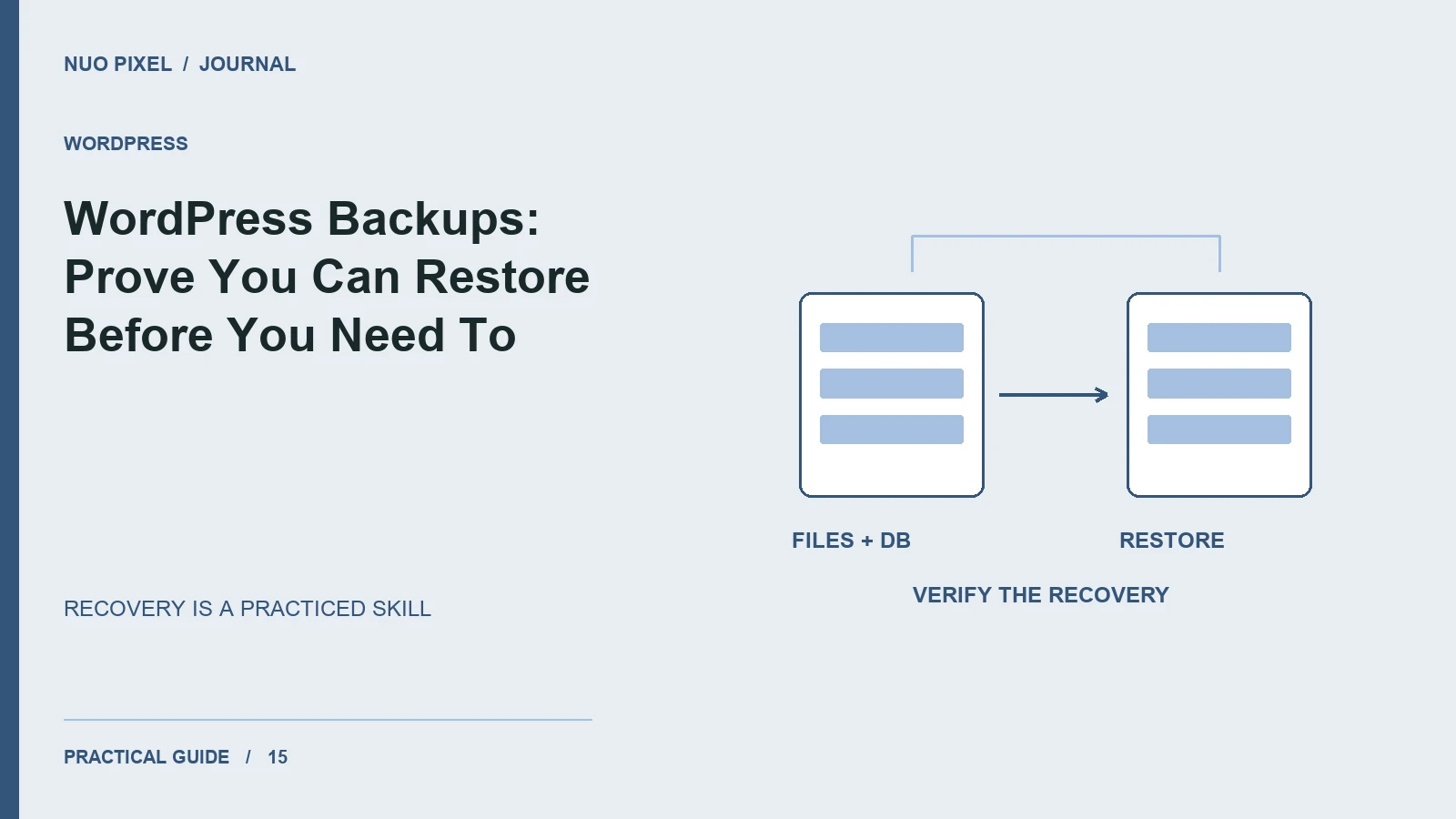
A backup is useful only if it can restore the website you care about. A reassuring plugin notification does not establish that the archive contains the uploads, database, custom theme, and configuration needed to rebuild the site.
Begin by listing what changes and how often. A small brochure site and a busy publishing site can tolerate very different amounts of lost work. Choose a backup schedule around that tolerance, then test the recovery process in a separate environment.
Know what belongs in the backup
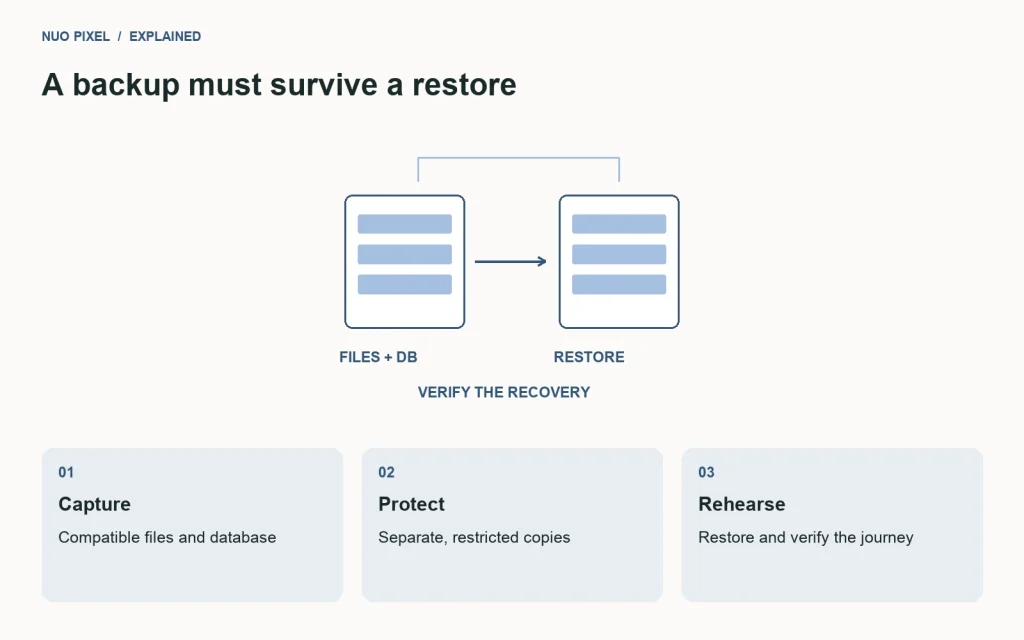
WordPress stores posts, pages, users, and many settings in the database. Themes, plugins, uploads, and other files live on disk. Capture the relevant database and files together so the restored code and content represent a compatible state.
The WordPress backup handbook explains the relationship between file and database backups. Use it to check coverage rather than assuming an export of posts is a complete site backup.
Keep copies beyond the active server
A backup stored only on the same server can disappear with the server. Keep protected copies in a separate location and make sure access is limited to the people who need recovery capability. Consider the personal information and configuration secrets that a full site backup may contain.
Use recognizable filenames and record when each backup was taken. Document whether an archive includes the database, files, or both. Retention should preserve enough history to recover from a problem discovered later, not only from an outage noticed immediately.
Rehearse an actual restoration
Restore a selected backup into an isolated local or staging environment. Verify that the database imports, the theme loads, and representative pages and images work. Confirm that any URL changes use a serialization-aware process.
Do not stop at the homepage. Open a recent article, an older upload, a custom tool page, and the administrative login. If the site accepts forms or transactions, check the relevant data and workflows with suitable test settings.
Record how long restoration takes and which steps required information outside the archive. That information may include a runtime requirement, a license, or a service configuration. Keep recovery instructions accessible even if the main website is unavailable.
Close the loop after site changes
Repeat the rehearsal after major hosting, plugin, or theme changes. A previously successful backup process can become incomplete when a new integration stores essential files somewhere unexpected.
Try this: select a recent backup and ask a teammate to restore it using only your written instructions. Every missing password location, unclear filename, or undocumented dependency is a recovery task you can fix while the production site is still healthy. Update the instructions and test again until the process is repeatable.
Continue learning
Want a Custom Designs for Your Brand?
Let NUO PIXEL craft design that defines your brand’s identity — creative, memorable, and made to stand out.
Contact NUO PIXEL Today