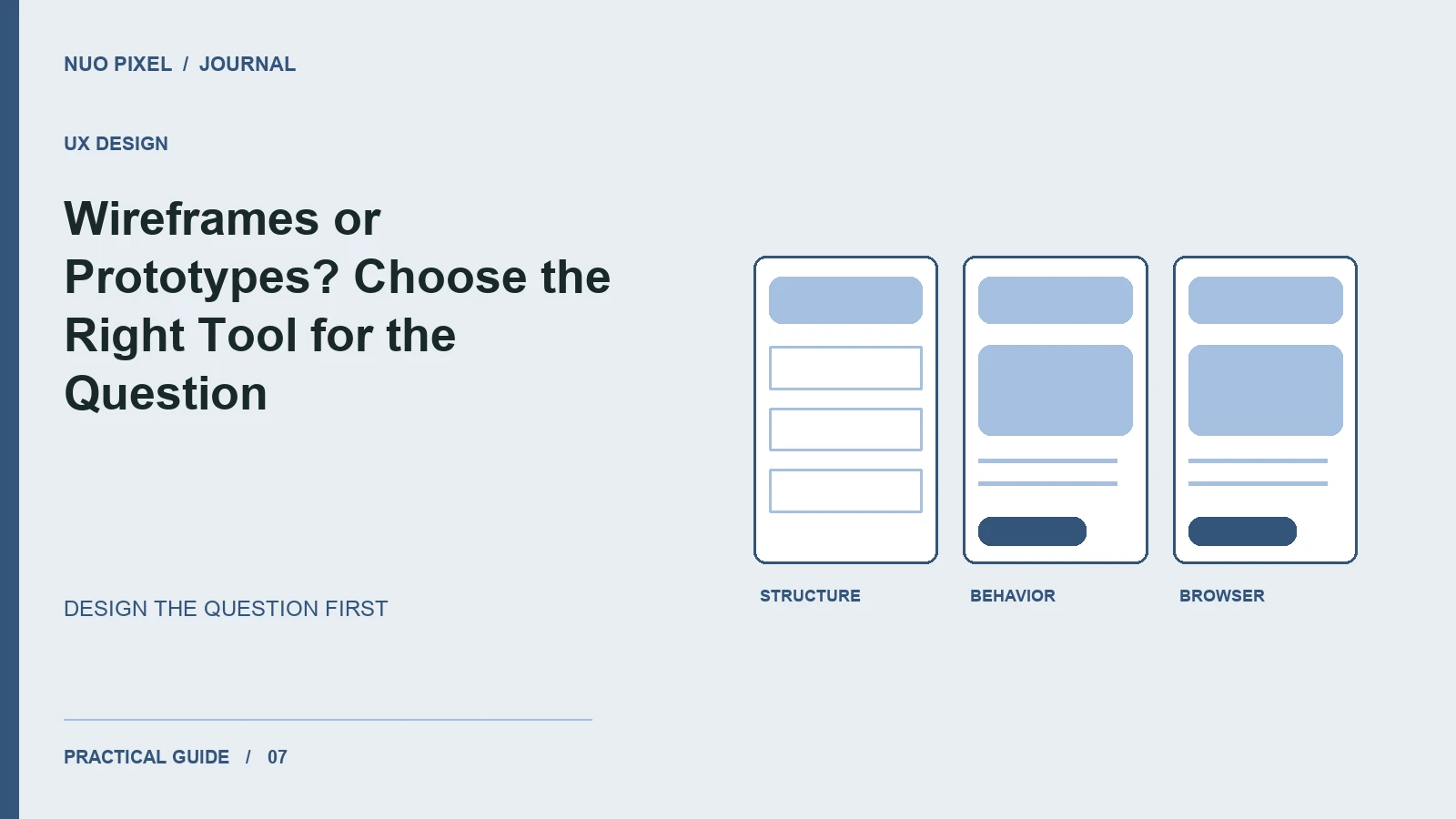
Teams sometimes spend days polishing a prototype before agreeing on what the page should contain. Other teams hand a rough wireframe to a developer and assume every interaction is obvious. Both approaches leave important questions unanswered.
A wireframe and a prototype serve different purposes. Use a wireframe to discuss content, layout, and priority. Use a prototype to explore what happens when somebody interacts with the interface. Choose the artifact by the decision you need to make.
Begin with a task, not a screen
Suppose a visitor wants to compare services and request an estimate. Write the task in plain language and list the information needed to complete it: service scope, relevant examples, constraints, and a route to contact the team. Then map the steps before choosing visual styling.
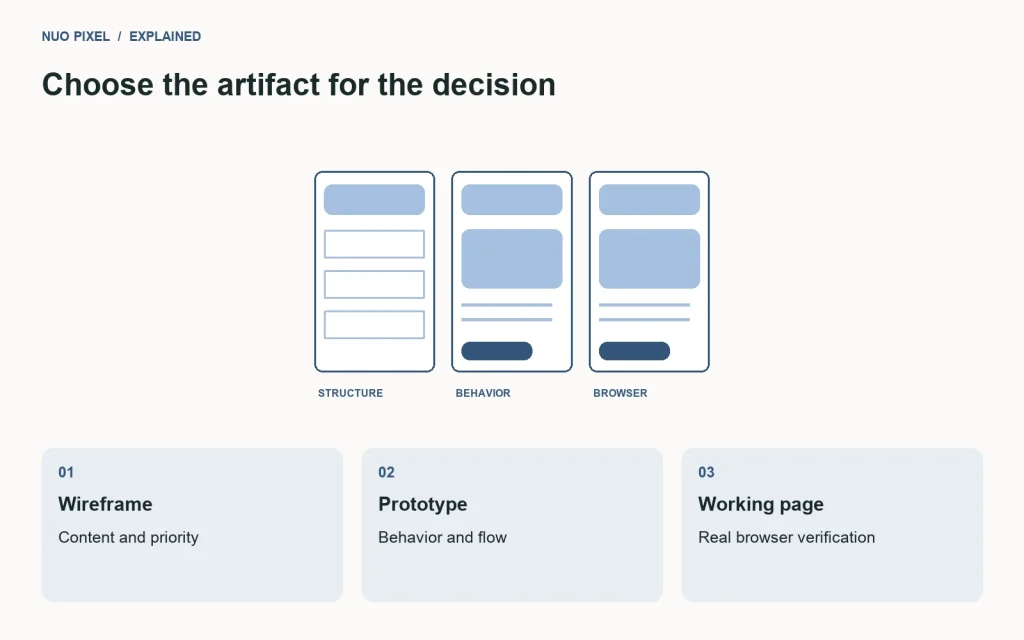
A wireframe for that journey might include a service overview, a short comparison, a project example, and a call to action. You can test whether the sequence makes sense with simple boxes and real labels. Color and illustration can wait until the structure answers the right questions.
Prototype the uncertain behavior
Build an interactive version when you need to evaluate navigation, conditional fields, validation, or a multi-step process. Include the states most likely to confuse visitors. A contact form prototype that only shows the successful path tells you little about missing information or a submission failure.
Use realistic text lengths. A button labeled “Continue” is easier to fit than “Request a detailed manufacturing quote,” but the latter may be what the product needs. Replace placeholder content before making layout decisions final.
Keep the test focused
Give a participant a goal such as “Find a suitable service and explain how you would request an estimate.” Avoid instructions that reveal the intended route. Observe where they hesitate and ask them to explain what they expected, rather than teaching them the interface during the task.
Record problems as observations: “Two participants overlooked the comparison link” is useful. “People dislike this design” hides the evidence. Small informal tests can expose issues, but they do not establish a reliable conversion-rate forecast.
Know what a prototype cannot prove
A clickable design file does not establish production keyboard support, screen-reader behavior, loading performance, or browser compatibility. Verify those qualities in working code. For the final implementation’s structure, W3C’s page structure tutorial is a useful reference.
Try this: list the three biggest uncertainties in your next website project. Create only the wireframe or prototype needed to investigate each one. Stop refining an artifact when it has answered its question, and put the saved time into testing the real interface.
Continue learning
Want a Custom Designs for Your Brand?
Let NUO PIXEL craft design that defines your brand’s identity — creative, memorable, and made to stand out.
Contact NUO PIXEL Today