A page can look modern while still being fragile. If a navigation link requires a script merely to open another page, or a contact form disappears until a large bundle loads, the visitor’s basic task depends on more moving parts than it needs.
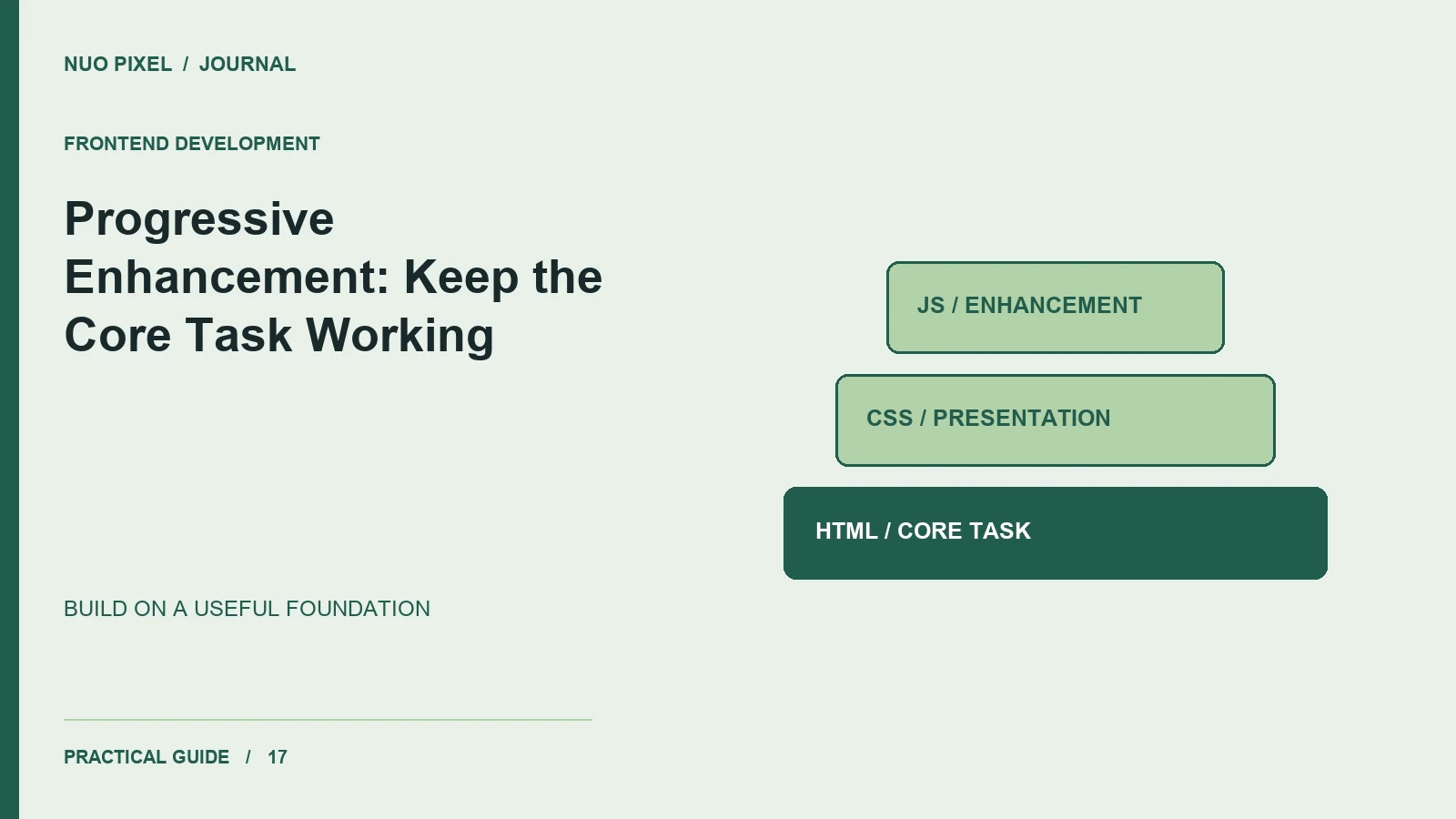
Progressive enhancement starts with a useful foundation and adds richer behavior when the environment supports it. This does not mean every application can work completely without JavaScript. It means identifying a core capability and being deliberate about its dependencies.
Write the basic journey first
For an article, the core capability is reading the text and following links. For a contact form, it is entering information, submitting it to a server, and understanding the response. Start with suitable HTML elements and meaningful destinations.
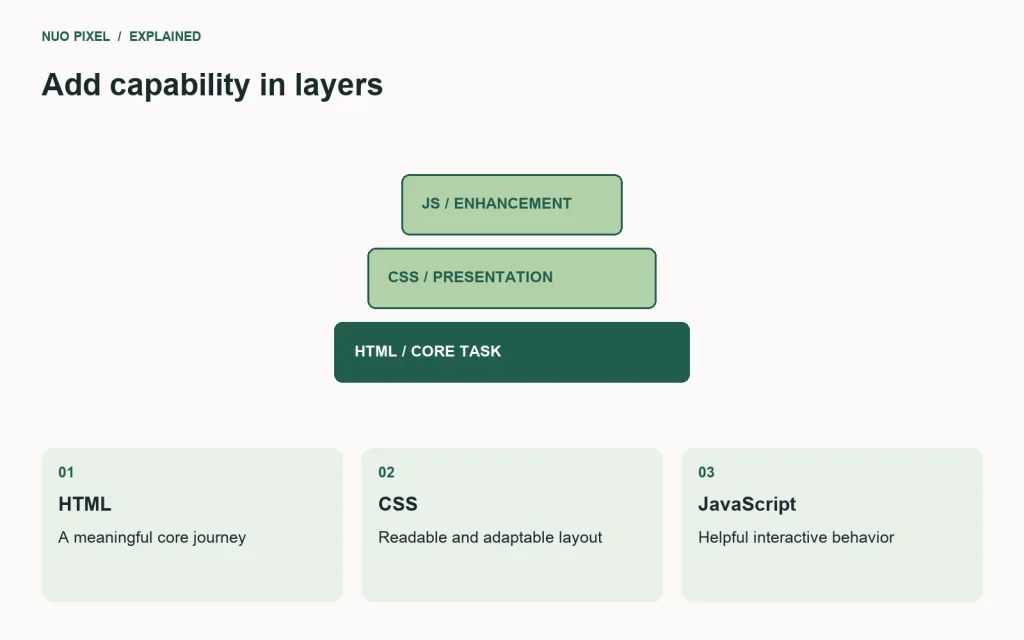
A normal link is a strong foundation for navigation:
<a href="/blog/">Read the journal</a>
A form can begin with an ordinary action and method. JavaScript can later add inline validation or a request that updates part of the page, while the server remains responsible for validating the submission. Do not assume client-side checks establish that incoming data is trustworthy.
Add behavior where it improves the task
Enhancements might preserve a form’s scroll position, filter results without a full reload, or show a preview before an upload. Define what happens when the enhancement fails midway. If a request times out, the visitor should keep their work and receive a useful explanation.
Use feature detection for capabilities your enhancement needs. Avoid guessing support from a browser name. A supported API can still fail at runtime because of permissions, network conditions, or invalid data.
Make motion optional where possible
Transitions can clarify a change, but large or repeated movement can be uncomfortable for some visitors. Respect the reduced-motion preference and remove nonessential animation when it is requested. MDN documents prefers-reduced-motion and how to target that preference in CSS.
For example, an interface can communicate that a panel opened through its visible expanded state and accessible properties without requiring a dramatic sliding animation.
Test the foundation separately
Block the main script temporarily and inspect what still works. Delay the stylesheet. Interrupt a request after entering form data. These checks reveal whether your fallback is a real part of the interface or only a sentence in the specification.
Some tools, such as an in-browser image converter, genuinely require JavaScript for their central operation. In that case, explain the requirement clearly and make the surrounding help and navigation usable without it.
Try this: choose one important page and list which parts need HTML, CSS, JavaScript, and a network response. Remove an unnecessary dependency from the core task, then verify that the enhanced experience still behaves correctly when all capabilities are available.
Continue learning
Want a Custom Designs for Your Brand?
Let NUO PIXEL craft design that defines your brand’s identity — creative, memorable, and made to stand out.
Contact NUO PIXEL Today