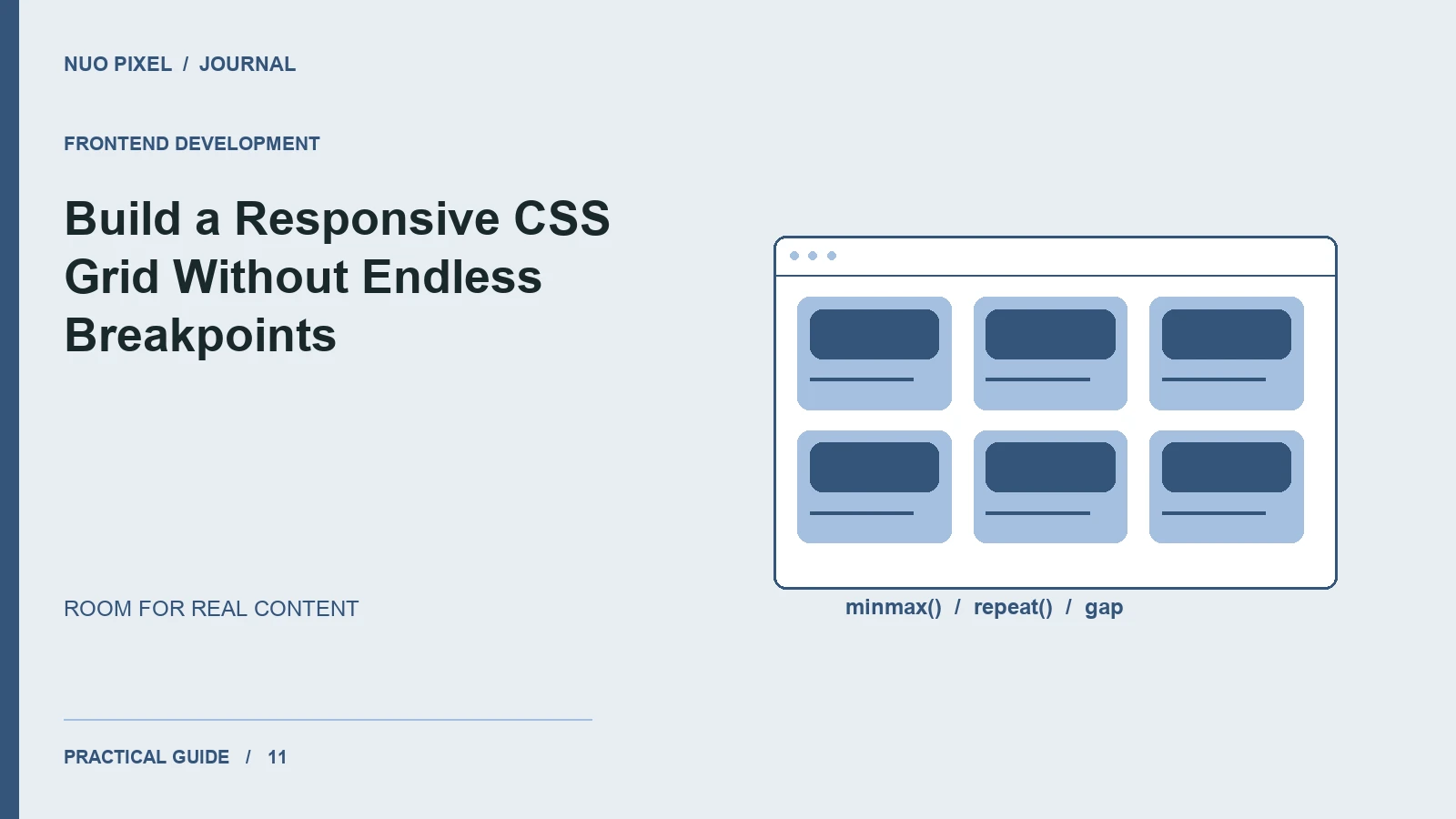
A blog grid should adapt when the viewport changes and when the content changes. A layout that only works with three short titles at a desktop width is not ready for a real publishing workflow.
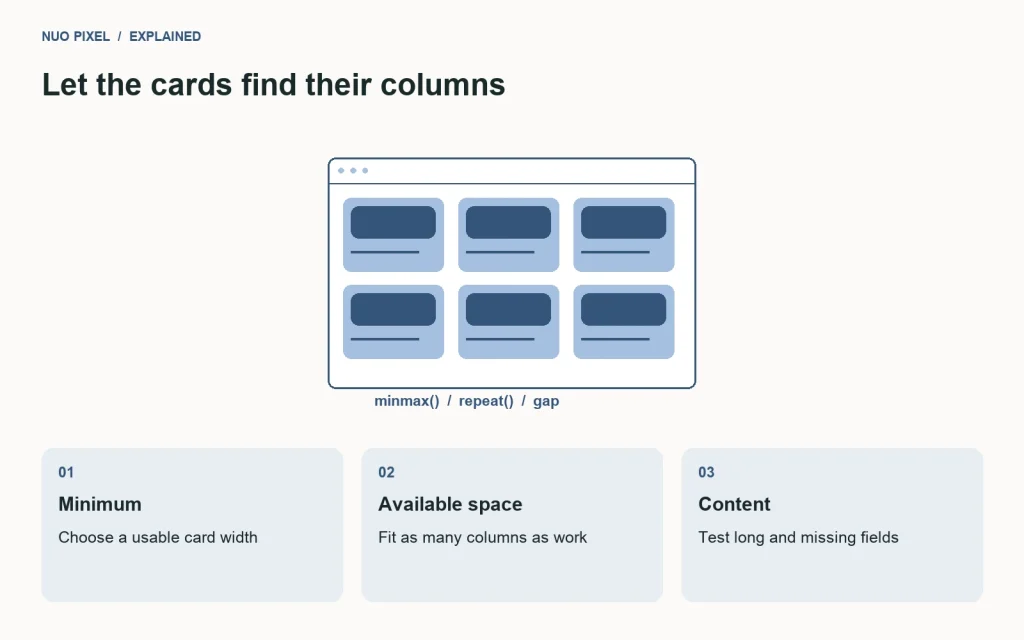
CSS Grid is useful when you want rows and columns to cooperate. For an article listing, start by defining a sensible minimum card width and let the browser determine how many columns fit, rather than manually assigning a layout to every device category.
Let the container do the work
This example creates columns that grow evenly and wrap when space runs out:
.post-grid {
  display: grid;
  grid-template-columns:
    repeat(auto-fit, minmax(min(100%, 18rem), 1fr));
  gap: 1.5rem;
}
.post-card { min-width: 0; }
.post-card img {
  width: 100%;
  aspect-ratio: 16 / 9;
  object-fit: cover;
}
The inner min() prevents the minimum track size from exceeding a very narrow container. Grid’s track sizing and placement concepts are covered in MDN’s CSS Grid guide.
Make each card robust
Give the card a clear heading link, a concise description, and a consistent image treatment. Use actual article titles during development, including one that wraps onto several lines. If your design aligns the reading links at the bottom, a flex column inside each card can distribute the remaining space without fixing the card’s height.
Avoid hiding meaningful words just to make a grid look tidy. Truncating an excerpt may be reasonable, but visitors should still understand the article’s subject. Let the title wrap and keep the link target specific.
Keep source order meaningful
Visual rearrangement can create confusion if keyboard navigation and reading order follow a different path. Begin with a logical HTML sequence and use the grid to arrange it. Do not move an important card into a prominent visual position while leaving its position in the document difficult to predict.
Check the gap between linked elements, especially on touch screens. A tightly packed collection of small category links and buttons can be harder to use than one clear article link.
Test the grid between familiar sizes
Resize slowly through the point where three columns become two and two become one. Watch for overflow from long URLs, captions, and code snippets. Test an empty listing, one article, and enough articles to require pagination.
Try this: add three deliberately awkward cards to your development page: one without an image, one with a long title, and one with a long unbroken word. If the layout survives those cases at narrow width and enlarged text, it is much better prepared for everyday editorial changes.
Continue learning
Want a Custom Designs for Your Brand?
Let NUO PIXEL craft design that defines your brand’s identity — creative, memorable, and made to stand out.
Contact NUO PIXEL Today