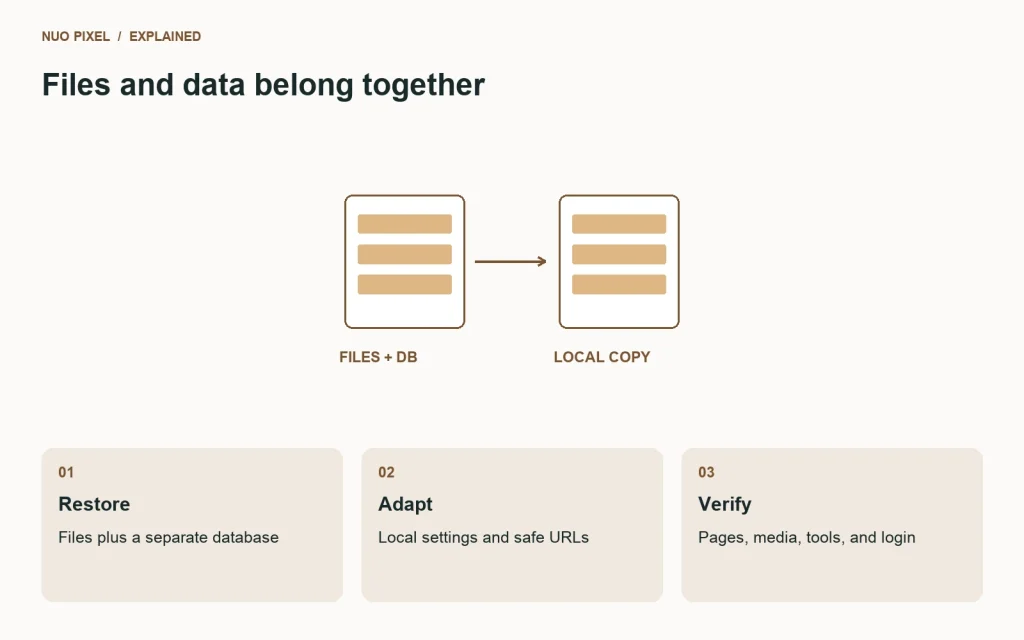
A WordPress backup contains two connected parts: files and a database. Copying only the theme leaves behind page content and settings. Importing only the database leaves behind uploads, plugins, and custom code. A reliable local migration restores both and then adjusts the environment carefully.
Use a separate local database so your experiments cannot overwrite another site’s content. Keep the original export untouched; it is your reference point when you need to repeat the import or investigate a missing asset.
Restore the files and database
Copy the WordPress files into the local project directory. Create a fresh database with a suitable character set and import the SQL export into it. Set the database name, username, password, host, and table prefix in a local configuration that matches your machine.
Match the table prefix to the imported tables. If the files expect wp_ but the export contains site_ tables, WordPress may behave as though it needs a fresh installation even though the content exists.
Replace URLs safely
Set the local home and site URLs, then review stored links and media references. WordPress settings can contain serialized data, whose string lengths must remain correct. A plain search-and-replace across a SQL file can damage those values. Use a migration method that understands serialization and supports a dry run.
The WordPress migration handbook covers moving a site, database considerations, and URL changes. Follow the guidance for your migration type rather than assuming every move has the same requirements.
Review environment-specific behavior
Check outbound mail, scheduled jobs, payment integrations, indexing settings, and external API calls before exercising them locally. A copied plugin may retain production credentials or destinations. Local testing should use test services or appropriate local overrides for features you intend to exercise.
For local rewrite routing, make sure requests for article URLs reach WordPress while real CSS, JavaScript, and image files are served normally. A homepage that works does not prove that pretty permalinks or tool pages are configured correctly.
Verify representative journeys
Open the homepage, one standard page, one blog post, the media files, the login screen, and any custom post type. Follow links from the navigation instead of testing only hand-entered URLs. Inspect a form’s behavior using a safe local destination if you test submission.
Keep the SQL export and local database files outside publicly served routes. A development server should not make its database backup downloadable just because the file sits beside index.php.
Try this: keep a short migration checklist with the original URL, local URL, table prefix, runtime versions, and verification results. Document how to restart the local services so the project remains usable after the first successful setup.
Continue learning
Want a Custom Designs for Your Brand?
Let NUO PIXEL craft design that defines your brand’s identity — creative, memorable, and made to stand out.
Contact NUO PIXEL Today