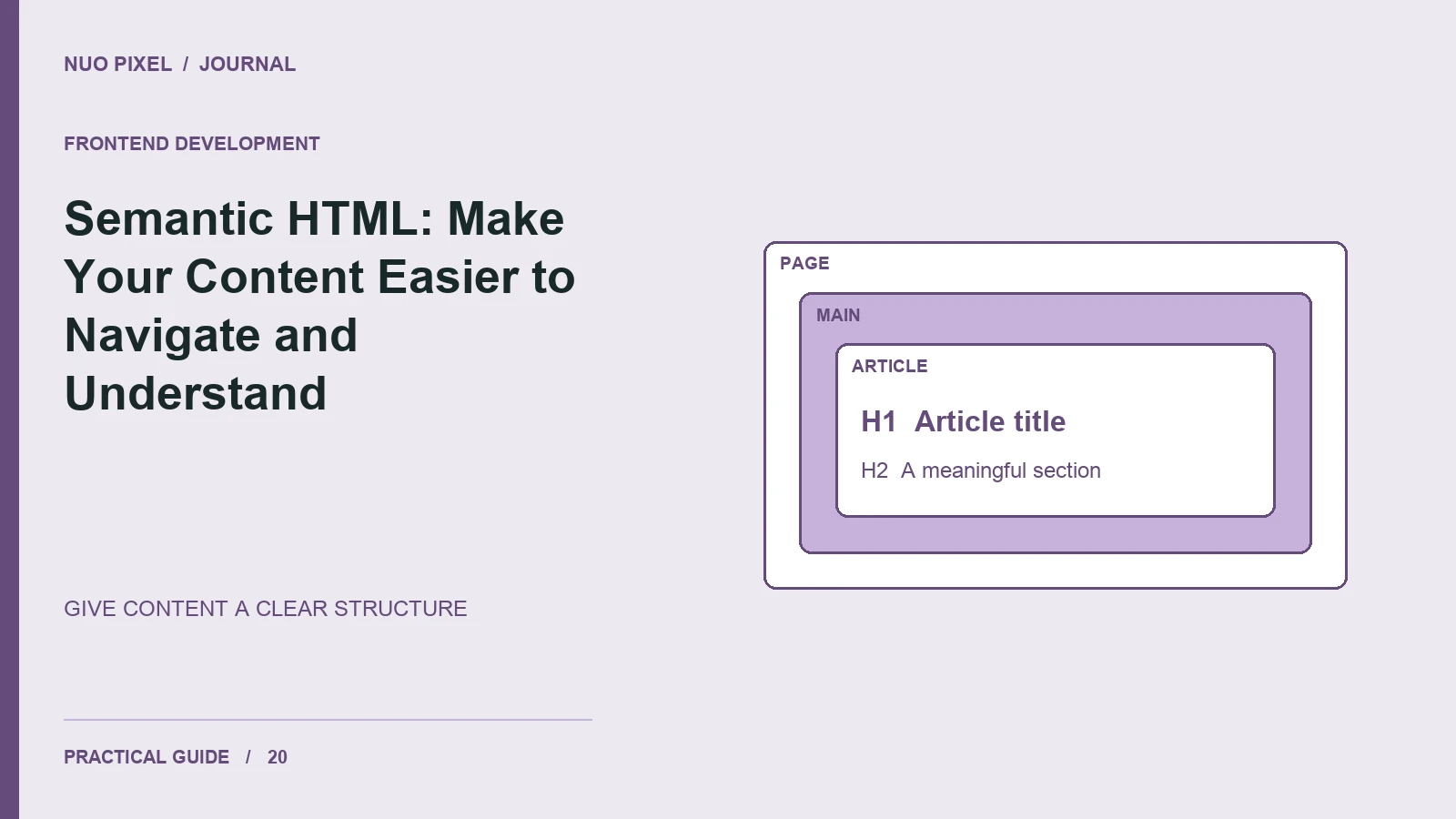
Semantic HTML gives structure to a page before styling is applied. A heading identifies a section, a navigation landmark groups important links, and an article element identifies a self-contained piece of content. These choices make the document easier to reason about and maintain.
They also help visitors who navigate through headings or landmarks rather than scrolling visually through the entire page. A page made only of generic containers can look organized while communicating very little of that organization in its markup.
Build a meaningful outline
Give the page a clear main heading and use subsequent headings to describe its sections. Choose heading levels by their relationship, then use CSS to control appearance. A small heading does not need to become an h5 merely because the design calls for smaller text.
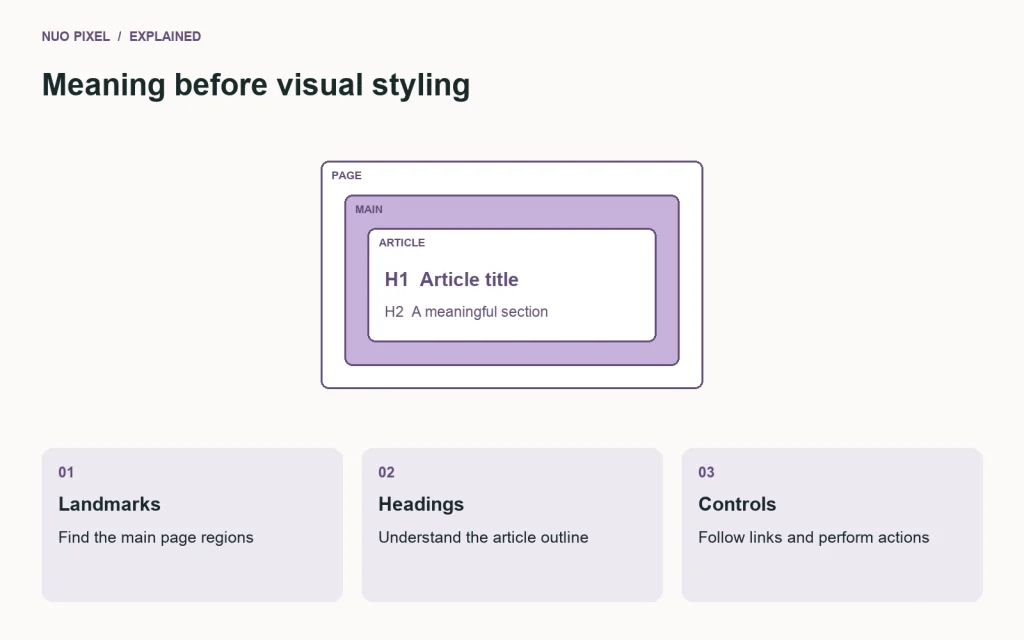
A simple article structure might begin like this:
<header><!-- Site identity and primary navigation --></header>
<main id="main-content">
  <article>
    <h1>How to prepare a website image</h1>
    <p>A short introduction to the task.</p>
    <h2>Choose the right dimensions</h2>
    <p>Explain the first decision.</p>
  </article>
</main>
<footer><!-- Site-wide information --></footer>
W3C’s page sections guidance explains how HTML elements identify page regions. Use elements for their meaning, not merely because a framework’s example happened to include them.
Make links describe their destinations
“Read the responsive image guide” communicates more than a row of identical “Click here” links. In an article listing, the title can serve as the primary descriptive link. If you include another reading link, give it sufficient context for someone navigating a list of links.
Use buttons for actions such as opening a panel, and anchors for navigation. Recreating either control with a generic container adds keyboard and accessibility behavior you would otherwise receive from native elements.
Connect structure with useful content
Clear markup cannot rescue an article that does not answer its reader’s question. Put the answer early, explain the steps, and include a concrete example. Link related articles where they help the next task rather than repeating the same keyword in every paragraph.
Google’s guidance emphasizes helpful content created for people; see its people-first content guidance. Semantic structure supports readability and maintainability, but it does not guarantee a search position.
Inspect the page without its visual polish
Review the heading list, link text, and main landmark. Tab through the controls and confirm that a visible focus indicator shows where you are. Check that repeated navigation can be bypassed with a working skip link.
Try this: inspect one existing article and write its outline using only the headings. If the outline does not explain the article’s progression, revise the section titles and order before spending time on decorative layout changes.
Continue learning
Want a Custom Designs for Your Brand?
Let NUO PIXEL craft design that defines your brand’s identity — creative, memorable, and made to stand out.
Contact NUO PIXEL Today