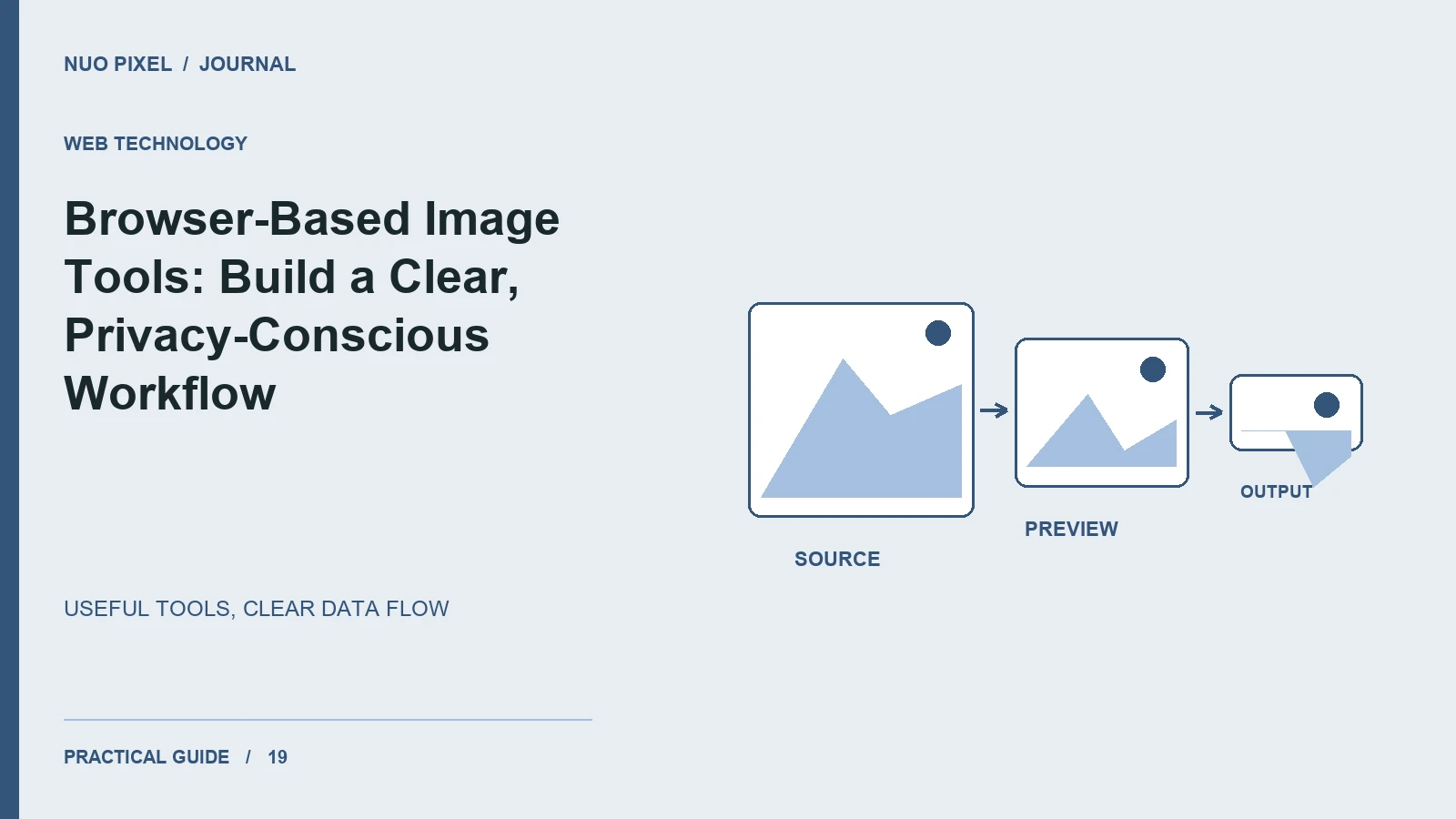
A browser-based image tool can make a small task convenient: resize a picture, inspect a palette, or convert a compatible file. Its biggest design challenge is explaining what the tool actually does with the file and helping visitors recover when the input is too large or unsupported.
Map the data flow before making a privacy promise. A tool may process pixels locally while analytics, external libraries, or other page features still make network requests. Describe the image-processing behavior precisely and verify it.
Show the complete local workflow
A clear sequence is choose a file, preview it, adjust settings, process, and download. Display the source dimensions and output dimensions when they help visitors make a choice. Keep the original file unchanged and make the output name recognizable.
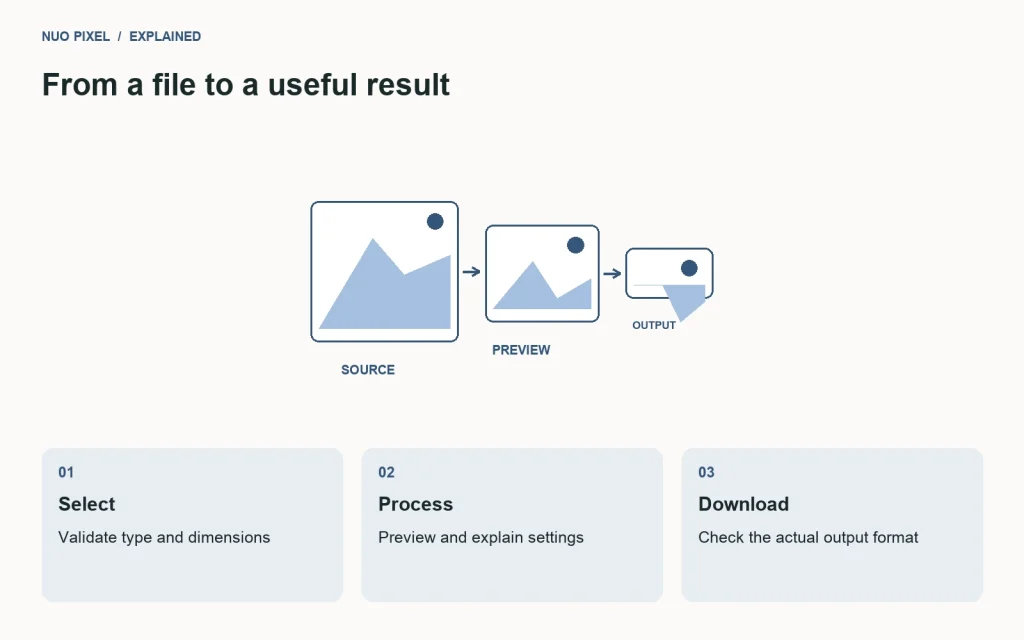
An object URL can provide a temporary reference to a selected file for preview. Release it when it is no longer needed so repeated use does not retain unnecessary resources. MDN documents URL.createObjectURL() and the associated lifecycle considerations.
const previewUrl = URL.createObjectURL(file);
preview.onload = () => URL.revokeObjectURL(previewUrl);
preview.onerror = () => URL.revokeObjectURL(previewUrl);
preview.src = previewUrl;
In a complete component, also clean up a previous pending preview when a new file replaces it or the component is removed. The snippet demonstrates the basic lifecycle rather than a full conversion application.
Validate before expensive work
Check the file type and whether the browser can decode it. A filename extension alone does not establish that its contents are valid. Show a useful message when decoding fails, and explain any supported-format limits near the picker.
Large dimensions can create substantial memory use even when the compressed file looks modest. A 4000 × 3000 image contains twelve million pixels; a single four-byte-per-pixel buffer is roughly 48 million bytes before additional processing buffers. Set appropriate limits and test on a phone, not only a powerful development laptop.
Make the output inspectable
Show a preview and the actual output format and size. If a browser falls back to a different encoding, do not keep labeling the file as the requested format. Check the generated result rather than treating the request as proof of success.
For palette extraction, explain whether colors are sampled, averaged, or clustered. Visitors should understand that a small palette summarizes an image rather than listing every color it contains.
Give the tool an educational companion
Pair the utility with a worked example, supported-format notes, and troubleshooting guidance. A useful tool page answers both “How do I do this?” and “Why did my result look different?”
Try this: process one normal image, one unusually large image, and one invalid file. Confirm that the original stays untouched, errors are understandable, and the download’s name and format match its contents.
Continue learning
Want a Custom Designs for Your Brand?
Let NUO PIXEL craft design that defines your brand’s identity — creative, memorable, and made to stand out.
Contact NUO PIXEL Today