A logo that looks perfect in a large design file can become blurry in a website header or unreadable as a small icon. Preparing a useful logo package means considering the places it will appear, the backgrounds it will sit on, and the formats each destination accepts.
SVG is well suited to many logos built from paths and shapes because the artwork can scale without becoming a fixed grid of pixels. Photographs and richly textured illustrations usually need a raster format instead. Choose the format around the artwork and its destination.
Clean the artwork before exporting
Remove hidden experiments, unused shapes, and accidental points outside the artboard. Keep a consistent viewing area so the logo does not appear unexpectedly small inside its image box. Check that intentional negative space remains intact after export.
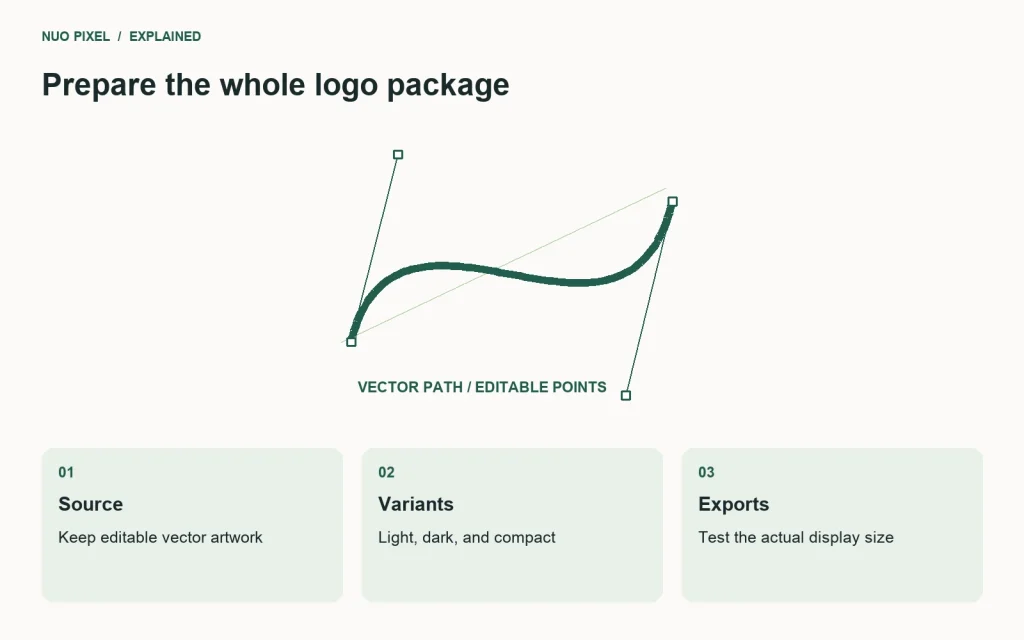
Prepare a main mark, a version for dark backgrounds, and a compact variant when the full name cannot remain legible. Do not create the compact version by blindly shrinking a detailed lockup. Test it at the actual size used in the navigation and browser icon.
Test the exported file in a browser
Open the exported SVG and inspect it on both light and dark backgrounds. Look for missing fonts, unexpected clipping, and strokes that become awkward at small sizes. If the logo depends on a font that will not travel with the file, discuss an outlined export with the designer while retaining an editable source copy.
For a website header, an external image element is often straightforward:
<a href="/">
  <img src="/assets/brand.svg"
       width="160" height="36"
       alt="Example Studio home">
</a>
The alternative text should describe the image’s purpose in context. W3C’s image guidance distinguishes informative, decorative, and functional images. In this example, the logo is the link’s visible content and its alternative identifies the destination.
Package the variants clearly
Use descriptive filenames such as brand-primary.svg, brand-on-dark.svg, and brand-icon.png. Include raster exports for destinations that do not accept SVG. Record the required clear space and minimum usable size in a short usage note.
Treat SVG uploads as code-bearing files rather than assuming every file with an image extension is harmless. Use trusted assets and a suitable sanitization process in a CMS. Avoid opening arbitrary uploaded SVG markup directly inside your page without review.
Try this: place your logo at its real header size on a phone, next to the menu button, and on a dark footer. If the wording becomes unclear or the crop looks uneven, fix the artwork package before compensating with one-off CSS on each page.
Continue learning
Want a Custom Designs for Your Brand?
Let NUO PIXEL craft design that defines your brand’s identity — creative, memorable, and made to stand out.
Contact NUO PIXEL Today