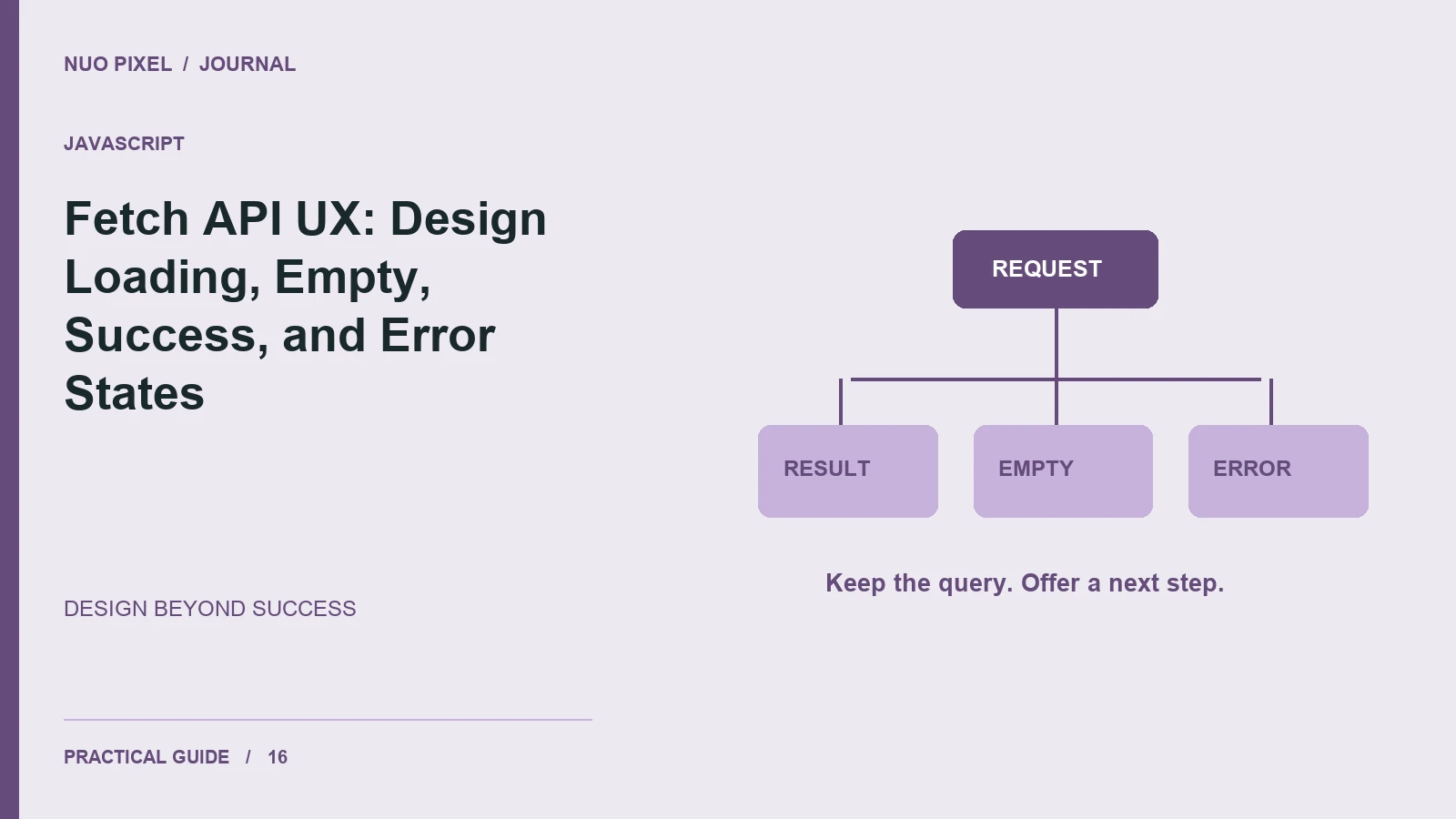
A search feature is more than a text field and a successful response. Visitors also encounter slow connections, empty results, expired sessions, and server failures. If the interface handles only the ideal response, it can turn an ordinary interruption into a dead end.
Define the visible states before you write the request. For a simple search, use idle, loading, success, empty, and error. Each state should explain what is happening and preserve enough context for the visitor to continue.
Give each state a clear job
Idle tells visitors what they can search for. Loading confirms that the action was received. Success displays useful results. Empty explains that the query completed but found no matches. Error explains that the request could not be completed and offers a reasonable next step.
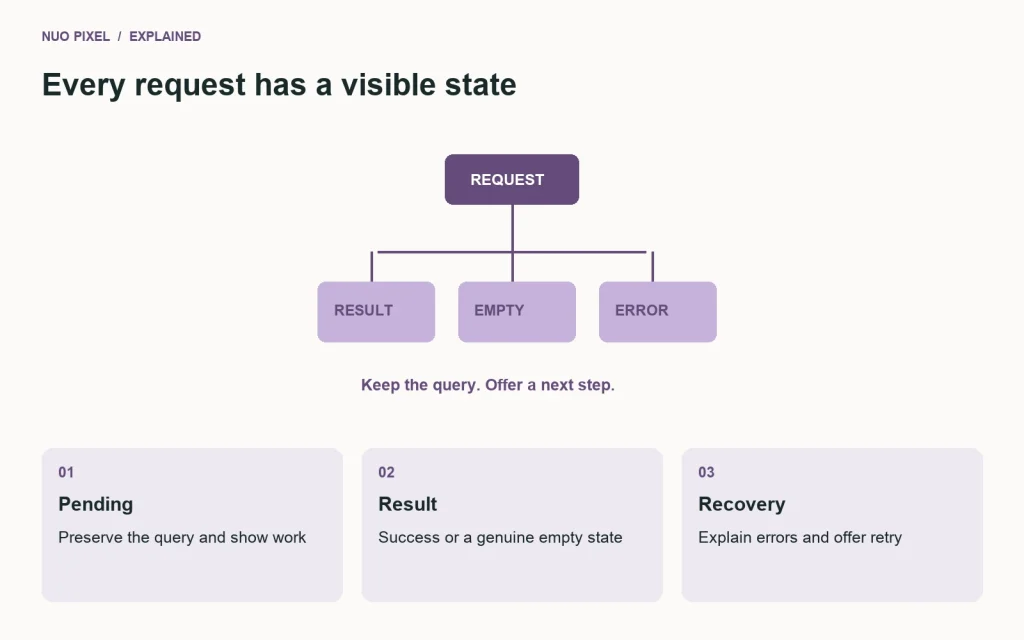
Do not show an empty-results message while a request is still pending. That can make a slow response look like a definitive answer. Keep the entered query visible in every state so the visitor can edit or retry it.
Treat HTTP failures explicitly
A fulfilled fetch() promise does not necessarily mean the HTTP request succeeded. Check the response status before treating its body as the expected data. MDN’s Fetch API guide explains this behavior and request cancellation.
async function loadResults(query, signal) {
  const response = await fetch(
    `/api/search?q=${encodeURIComponent(query)}`,
    { signal }
  );
  if (!response.ok) {
    throw new Error(`Request failed: ${response.status}`);
  }
  return response.json();
}
This example returns data to the caller; the caller still needs to validate the expected shape, update the visible state, and handle errors. Avoid inserting returned text as raw HTML when text content is sufficient.
Prevent stale responses from winning
When a visitor submits a second query before the first finishes, the first response may arrive last. Use cancellation with an AbortController, a request identifier, or another deliberate strategy to ensure an old response does not replace the current result.
A cancelled request does not usually need a frightening error message. Distinguish an intentional cancellation from a request failure when choosing what the visitor sees.
Make recovery practical
Provide a retry action for a temporary failure, and preserve filters and entered text. Announce relevant status changes through an appropriate live region without repeatedly interrupting someone who is typing. Disable controls only when needed and explain long operations honestly.
Try this: test your feature with a delayed response, an empty array, an HTTP error, invalid response data, and two requests finishing out of order. Write down the expected visible outcome for each case before considering the feature complete.
Continue learning
Want a Custom Designs for Your Brand?
Let NUO PIXEL craft design that defines your brand’s identity — creative, memorable, and made to stand out.
Contact NUO PIXEL Today