An offline-capable website needs more than a service worker that stores every request. Visitors need to know which information is available, whether it might be outdated, and what happens to actions that normally require a server.
Begin by classifying your content. A previously opened tutorial may be useful offline. A live price, an account balance, or a submitted contact request has different freshness and delivery requirements. One cache policy is unlikely to fit all of them.
Choose an offline promise you can keep
For a small design blog, a reasonable first promise is that selected previously viewed articles and essential styling remain readable without a connection. That is narrower and easier to verify than claiming the whole website works offline.
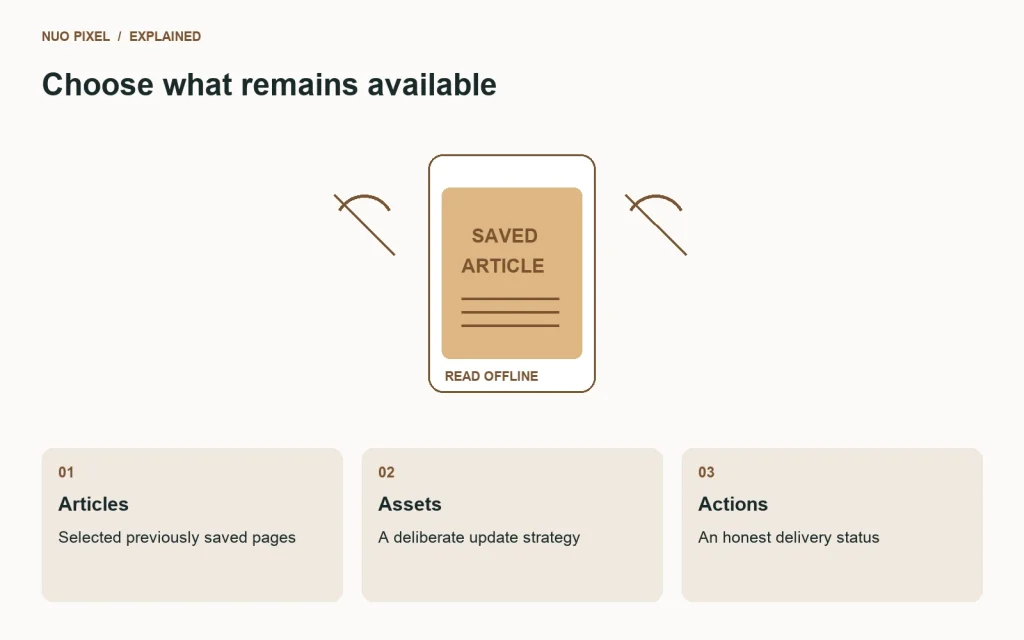
Service workers can intercept requests and use cached responses, with strategies that balance availability and freshness. MDN’s offline and background operation guide explains the relevant mechanisms. Choose a strategy for each type of resource rather than copying a cache-everything example into production.
Distinguish reading from submitting
A cached article can be shown as previously saved content. A form submission cannot be called delivered merely because its text exists on the device. If you queue actions, show their actual status and provide a way to review or cancel them. Avoid automatically repeating operations that could create duplicates without a suitable server-side design.
When an offline page cannot support an action, say so before the visitor invests effort. “You are offline. This article is available, but contact requests need a connection” sets an honest expectation.
Plan updates and expiration
A service worker can outlive the tab that installed it. Test what happens when you publish a new version while a visitor still has the old page open. Decide which old caches can be removed and when, and provide a coherent update path rather than leaving different files from incompatible versions mixed together.
Avoid putting private or personalized responses into a broad shared caching rule. Review authenticated pages separately and document what may be stored. A successful offline demo with public articles does not establish safe behavior for account pages.
Test on a repeat visit
First visit the site online so the intended assets can be saved. Then disconnect and reopen the selected article. Try a page you never visited, a failed image request, and a form action. Reconnect and verify that updates and pending states resolve correctly.
Also test with storage cleared and the service worker unregistered so you understand the first-visit experience. Offline support should not make the normal online path harder to debug.
Try this: write a three-row policy for articles, static assets, and submissions. For each row, record the cache behavior, freshness rule, and offline message. Implement only what you can test against that policy.
Continue learning
Want a Custom Designs for Your Brand?
Let NUO PIXEL craft design that defines your brand’s identity — creative, memorable, and made to stand out.
Contact NUO PIXEL Today