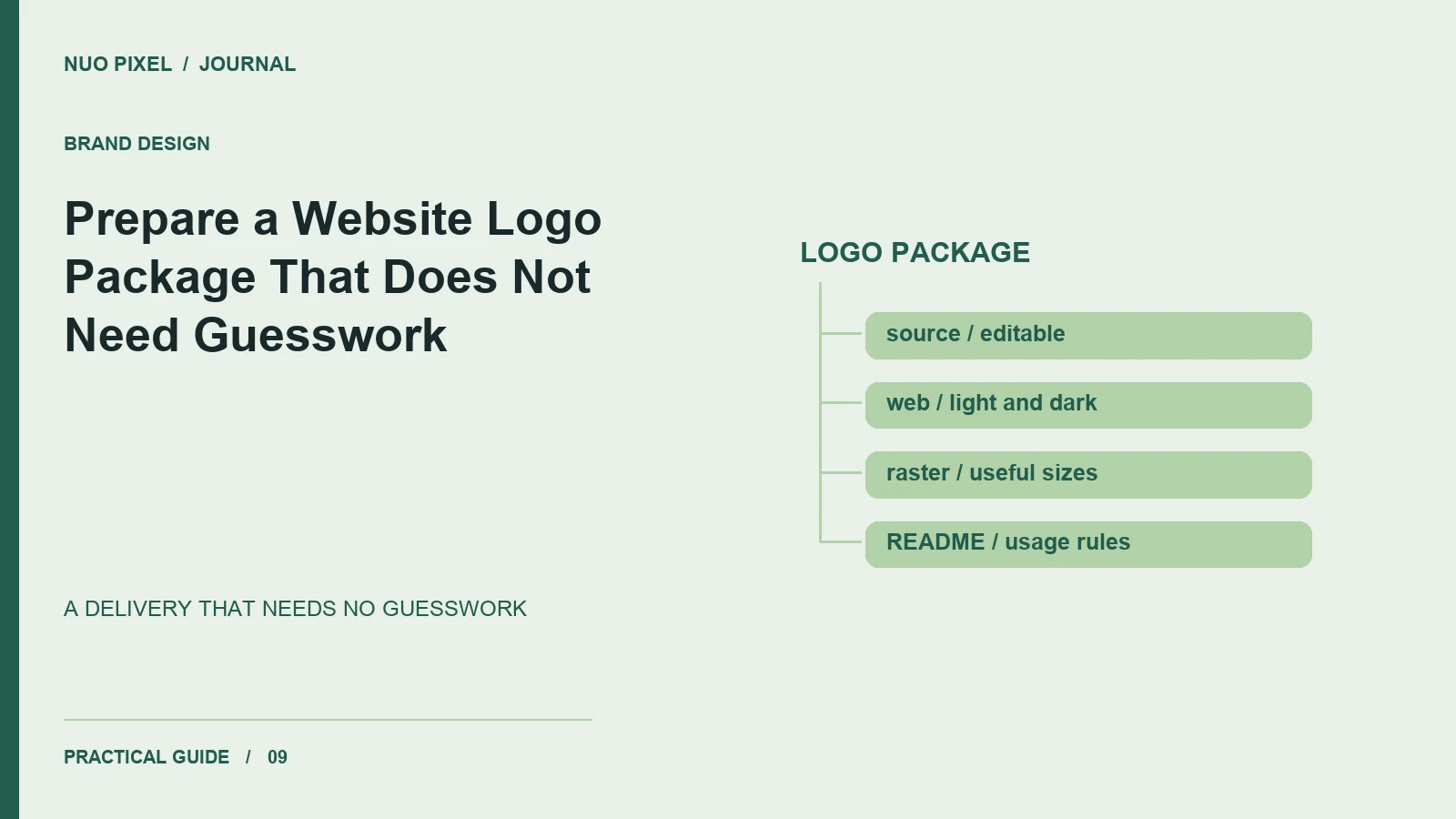
A logo delivery often looks complete because the folder contains several familiar file extensions. The real test comes later, when somebody needs to put the mark in a narrow website header, a dark footer, a document, or a browser icon. If they cannot tell which file belongs in each situation, the package has left important design decisions unfinished.
This Nuo Pixel Solutions guide explains a practical delivery structure for website use. It covers the editable source, web variants, raster exports, naming, usage notes, and the review that connects the package to real placements. The companion folder contains original sample artwork rather than client marks, so you can inspect the structure without mistaking the demonstration for a new brand identity.
The aim is not to deliver every possible format. It is to deliver enough well-prepared assets and clear instructions that the next person can place the logo correctly, verify the result, and recognize when they need a different variant.
List the actual destinations
Begin with a short placement inventory. Include the desktop header, mobile header, footer, social preview or profile, downloadable documents, and browser icon if those are part of the project. Record the approximate display area and whether the background is light, dark, photographic, or variable.
Different destinations create different constraints. A long wordmark may suit a desktop header but become unreadable beside a mobile menu button. A symbol may work as a compact identifier without being sufficient for a first introduction to an unfamiliar business. Decide those relationships intentionally rather than letting each implementer crop the full logo independently.
Ask who will use the package. A developer may need predictable file bounds and dimensions, while a business owner may need an easy-to-identify PNG for an everyday document. The folder should serve both without requiring either person to understand the entire design application’s export interface.
Keep one authoritative editable source
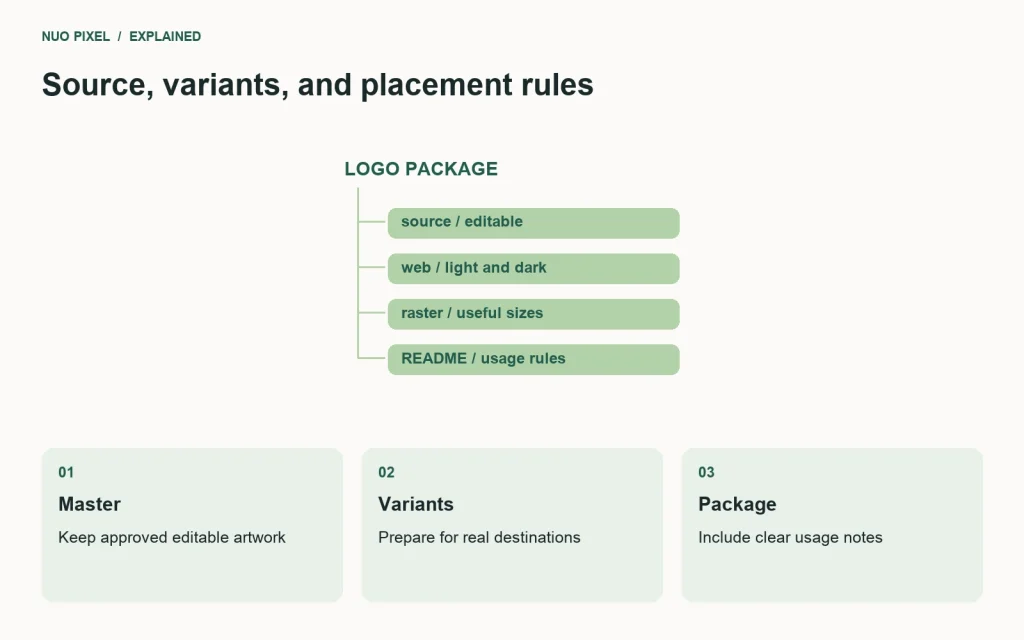
Retain the approved editable artwork in its native format or another suitable source format. Keep the final mark distinguishable from experiments, alternate concepts, and abandoned arrangements. A file containing every exploration without a clear approved version is not a dependable master.
Record font dependencies and linked assets. If the editable document relies on a font or external file, the recipient needs to know. Do not assume that an application preview proves the package is self-contained. Open the source from the delivered folder and check that the required parts are actually present or documented.
Preserve editability separately from a fixed web rendering. An outlined version can help a particular logo reproduce consistently without an installed typeface, but it should not become the only remaining source when future wording or spacing changes may be necessary.
Use a clear version identifier. A date and a short release note can be enough for a small project. The point is to let the team distinguish the approved package from an older email attachment without relying on filenames such as final-new-latest-two.
Prepare variants with a defined purpose
A useful starting set is the primary mark, an on-dark variant, and a compact mark when the identity supports one. Add other variants only when a real destination needs them. A large collection of unexplained alternatives can create more inconsistency than a small, well-defined set.
Do not derive an on-dark version by applying a generic CSS filter and assuming the result is approved. A filter can change intended brand colors and create awkward edge treatment. Prepare the variant in the artwork and review it against the relevant surface.
For the compact mark, inspect the details at the actual intended size. Fine lines, small lettering, and narrow gaps may stop communicating clearly when reduced. A compact variant is a design decision about recognition and legibility, not merely a smaller export of the same composition.
Document when each variant should be used. A sentence such as “Use the primary horizontal mark on plain light surfaces; use the reversed file on dark surfaces” prevents many improvised choices. If a variant is restricted to a specific context, make that limit visible in the usage note.
Make the file bounds predictable
Check the relationship between the visible artwork and the export area. Hidden objects or a large inherited artboard can make a mark appear unexpectedly small when an image element is sized by height. A package should not require negative margins simply to compensate for accidental whitespace.
Keep intentional clear space, but explain how it is represented. Some teams include it in the file bounds; others specify it in the placement rules. Either approach can be workable when it is consistent. Problems arise when different variants contain different unexplained margins.
Test the files beside one another in a simple browser specimen. Use the same declared height and inspect the visible result. The primary and reversed versions of the same arrangement should not jump in scale or position because they were exported from unrelated bounds.
If a corrected package changes the bounds, tell the implementation team. Existing CSS may already compensate for the older file. Replacing the artwork silently can produce a second mismatch when the corrected file meets a workaround that is no longer needed.
Export web files deliberately
For vector artwork suited to SVG, prepare a clean web version and inspect it in a browser. Check lettering, clipping, masks, gradients, and any embedded raster content. A file that opens in the design application has not necessarily been verified in the environment where the website will display it.
Remove accidental editing debris and unnecessary hidden content from the distribution export while keeping the editable master intact. Do not strip meaningful structure blindly in pursuit of the smallest file. Review the resulting rendering after any optimization step.
If you provide PNG versions, choose sizes for actual uses and retain transparency where required. A white background can be intentional, but name or document that version clearly. Avoid forcing someone to discover the background only after placing the image on a dark document.
Check the encoded file type and dimensions. A filename extension is not a conversion process, and a requested export size is not evidence of the downloaded file’s dimensions. Inspect the actual outputs before marking the package approved.
Treat the browser icon as its own small design task
A browser icon occupies a very small area and may appear beside many other tabs. A full wordmark is unlikely to remain readable there. Use an approved compact identifier and test the result at the sizes the target environments actually show.
Prepare the required formats and dimensions for the website’s chosen implementation. Keep the HTML references and the delivered files consistent. A correctly generated icon that is never referenced, or an old cached icon that survives a new upload, can make a package appear broken when the underlying asset is fine.
Check light and dark browser contexts where relevant. A thin dark symbol can disappear against a dark tab surface. The icon should remain recognizable without depending on a large surrounding white rectangle that does not belong to the intended design.
Do not infer recognition from the designer’s familiarity with the mark. Ask someone who did not prepare the asset what they can identify at the actual size. The exercise can expose detail that exists in the source but has no useful role in the final placement.
Name the files so a recipient can choose correctly
Use descriptive names that connect the brand, arrangement, background role, and format. A pattern such as sample-primary-on-light.svg is easier to understand than a folder of numbered exports. Keep the naming consistent across the package.
Avoid putting important meaning only in folder color, preview images, or an email explanation that may become separated from the files. The file and its immediate documentation should carry enough context to remain usable after the package is downloaded again months later.
Include a short README at the top level. Identify the approved version, the normal web file, the on-dark alternative, the compact variant, and the location of editable source. List any dependencies or permissions that do not travel automatically with the package.
For Nuo Pixel Solutions projects, the delivery note should also identify which parts are brand assets and which are reusable sample code. A permissive license for a specimen page does not grant rights to reproduce a client’s identity. Keep those categories explicit instead of placing everything under one broad statement.
Write a usage note that answers real placement questions
Explain the minimum usable size, required clear space, approved backgrounds, and prohibited distortions where the identity guidelines define them. Prefer a few concrete examples to pages of decorative statements that do not help a developer choose the correct file.
Show at least one correct header placement and one common mistake. Examples might include stretching the logo to fill an arbitrary box, placing the light-background version on a dark surface, or shrinking a detailed arrangement until its wording cannot be read.
Keep the guidance proportional to the project. A small website package may need a one-page note rather than a complete brand book. The important questions are whether the recipient can use the files correctly and whether the business has approved the rules being communicated.
If the website supports more than one language, clarify the appropriate identity variants and alternative text. Do not improvise a translated mark merely because a page is translated. Use approved wording and keep any language-specific artwork distinguishable in the folder.
Verify the package in the actual website shell
Place the primary file in the real header beside the navigation. Inspect the narrow layout, the sticky state if one exists, and enlarged text. Make sure the logo does not crowd the menu control or require a different unexplained size on each page.
Place the on-dark file in the footer or another intended dark surface. Inspect the asset against the actual background, not only a design application’s preview. If a photograph sits behind the logo, check that the placement remains controlled as the crop changes.
Use appropriate alternative text for the image’s purpose. A linked logo that is the only content of the home link needs a meaningful accessible name. W3C’s image guidance explains how informative, decorative, and functional images differ in context.
Test loading failure as well as the ideal result. The layout should remain understandable if the image cannot load. A business name or suitable alternative should still identify the home destination rather than leaving an unexplained empty clickable area.
Keep distribution and maintenance connected
Store the approved package where the team can find it, and identify who can authorize changes. When the mark changes, update the website files, browser icons, downloadable documents, and usage note as a coordinated task. Avoid allowing several equally plausible masters to circulate.
Retain older releases when they are useful for tracing past work, but distinguish them from the current package. A recipient should not need to compare timestamps across several archives to guess which version the business intends them to use.
The most useful outcome is confidence. The business owner knows which files to send, the designer knows the identity is being placed as intended, and the developer can implement the mark without inventing compensating rules. A logo package achieves that through clear assets and clear context together.
Try handing the companion sample folder to someone who did not build it and ask them to choose a file for a light header, dark footer, and compact icon. Every point where they have to guess is a documentation opportunity. Fix those uncertainties before delivering the same kind of package for a real brand.
Check the archive after downloading it
Download the final archive into a fresh folder and open its contents there. Verify that the README identifies the correct version and that any preview page refers to files inside the package. A source file that opens only because it finds a linked asset elsewhere on the designer’s computer is not a self-contained delivery.
Keep a short inventory with the archive: which arrangements are included, which backgrounds they support, and which destinations still require a separate export. That inventory helps a recipient distinguish an intentional omission from a missing file and gives the team a clear list to update when the package changes.
Resources for this guide
Need help applying this to a website? Discuss the project with Nuo Pixel Solutions.
Continue learning
Want a Custom Designs for Your Brand?
Let NUO PIXEL craft design that defines your brand’s identity — creative, memorable, and made to stand out.
Contact NUO PIXEL Today